 SimSmsBox
Short answer: Settings → Edit → your phone number → Change Number. It is the same account afterwards — chats, groups, channels, files, username and Premium all carry over, and nobody has to re-add you. The old number does not need to work, as long as you are still logged in. The new number does need to receive a code, and that is the only step that can fail. One thing to do first: contacts who saved your old number will automatically see the new one unless you change a privacy setting.
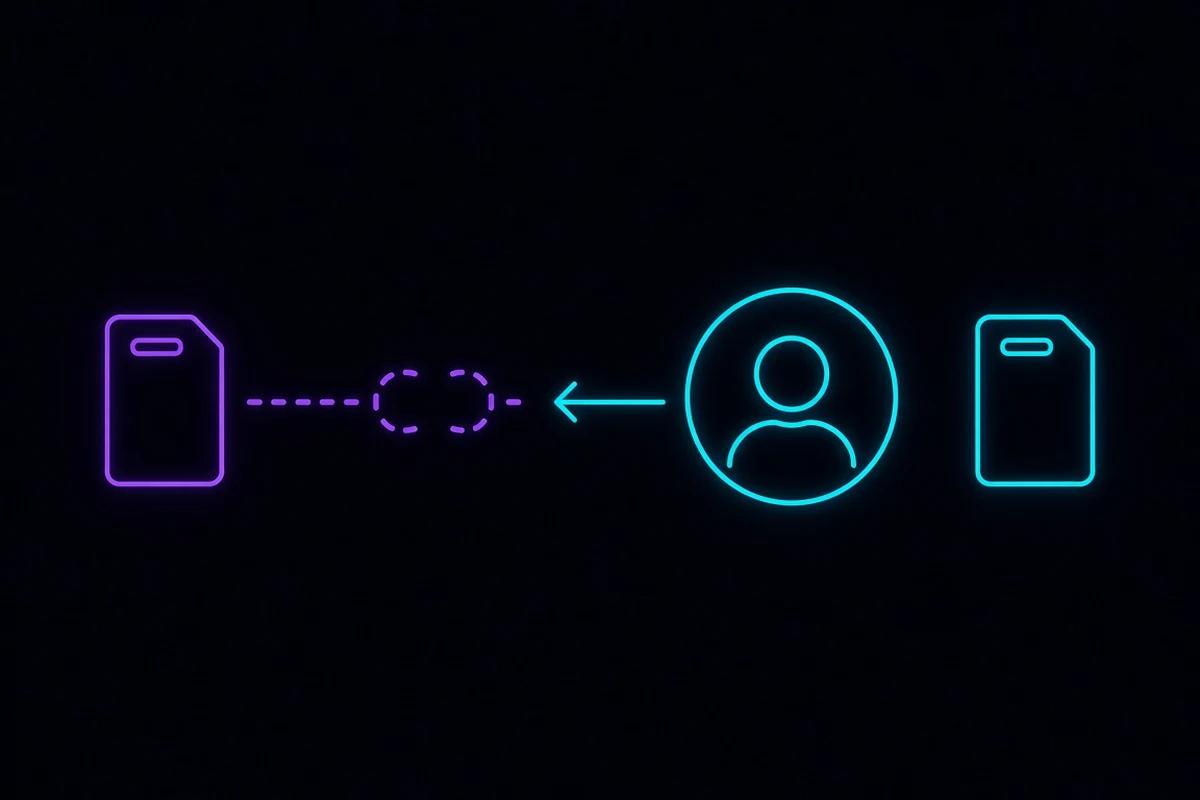
Changing your number is not making a new account
Get this straight first, because it is where the confusion lives.
Your phone number is a login credential, not the account itself. Your messages live on Telegram’s servers — the mechanics are in what the Telegram cloud actually is — and the account is identified internally by an ID. Changing the number only changes which phone number can sign into that ID. Nothing else moves.
So:
- Changing a number does not give you a second account. For that you register a different number from scratch.
- Changing a number does not log you out. Every active session stays online.
- Changing a number does not affect your username.
@yournamestill finds you.
The steps
On your phone:
- Settings → Edit (the pencil on your profile on Android; “Edit” top-right on iOS).
- Tap your phone number.
- Choose Change Number.
- Confirm the warning that your account and all its data will move to the new number.
- Pick the country, enter the new number.
- Enter the code sent to the new number.
Desktop and web usually do not expose this. Use the phone.
Step 6 is where everything can stall — the code goes to the new number, and if it does not arrive the change simply does not happen. Your account is untouched; back out and try again.
What changes and what does not
| After the change | |
|---|---|
| Chats, media, files | Kept |
| Groups and channels, including ones you own | Kept, same role |
Username @handle | Unchanged |
| Photo, bio, Premium | Unchanged |
| Contact list | Unchanged |
| Secret Chats | Lost — they live only on the devices involved |
| Cloud password (two-step verification) | Unchanged, same password |
| The old number | Released immediately; it can register a brand-new account |
| The number other people see | The new one, subject to your privacy settings |
The Secret Chats line is the only real loss. They are end-to-end encrypted and stored locally on the two devices, so an account migration cannot carry them. Export anything you care about first.
Who finds out that you changed
This is where people get caught out.
Telegram’s contact matching runs both directions. Anyone who has your old number saved in their phone’s address book — and who let Telegram read their contacts — will see the new number appear automatically. You are not asked, and they are not told it came from you.
If the reason you are changing numbers is that you would rather certain people not have the new one, the default behaviour works against you. Before you change, go to:
Settings → Privacy and Security → Phone Number, and set “Who can see my phone number” to Nobody.
While you are there, check the second switch underneath it — who can find you by your number. The two do different jobs, and who can see your Telegram number pulls them apart properly.
When the old number is dead, lost, or recycled
Good news: changing your number requires nothing from the old one. No code is sent to it, it does not need to be active, and the SIM can be in a bin.
There is exactly one prerequisite: you are still logged in. As long as the app is in a signed-in state, the flow above works.
If you have already been signed out and the old number cannot receive a code, this is no longer a number-change problem — it is an account recovery problem, and it goes through resetting or deleting an account you cannot log into. That route is far more expensive, which is the argument for changing the number the moment you know the old one is going away, not after you get logged out.
What happens to an abandoned number afterwards is worth understanding too: it goes back into circulation, the next owner receives login codes sent to it, and the account behind it is suddenly theirs. Recycled phone numbers walks through the full chain.
The new number is not receiving the code
The usual causes, most common first:
- Format. After picking the country, do not type the country code again, and drop any leading zero. The rules are in international phone number format.
- It went to another logged-in session. Telegram delivers in-app first. Check your tablet or desktop before assuming it failed — why the code goes to another device.
- No SMS option offered. See why “Send code via SMS” is missing.
- Number type rejected. Some VoIP ranges are declined outright — what a non-VoIP number is.
- Rejected as invalid. Format, country, and number-type checks in order: when Telegram says the number is not valid.
- Everything else: the full not-receiving-the-code checklist.
Moving to a rented or platform number: do one thing first
Pointing Telegram at a number you do not permanently control — a rental, a one-shot activation, a number from a pool — works, and plenty of people do it. But it ties “who controls this number” to “who can log into this account”.
So the order matters: set the cloud password first, then change the number.
The cloud password is the only thing still on your side once the number moves on. Whoever receives a future login code cannot get in without it. Setup is in the Telegram cloud password guide — and finish the recovery-email step, including confirming the email actually arrived.
If the number needs to last, do not buy a single activation. The difference between renting and activating is in renting a foreign phone number, and why the underlying number source changes your odds is in SMS number sourcing.
Wrapping up
This is a safe operation: nothing is lost except Secret Chats. Do three things around it. Set “who can see my phone number” to Nobody before you start, confirm your cloud password and recovery email are in working order, and make sure the new number can actually receive a code. And if your current number is about to lapse, do it today — thirty seconds while you are still logged in, versus a recovery process measured in weeks once you are not.