 SimSmsBox
Short answer: The cloud password is the two-step verification password — two names, one thing. There is no “view password” screen anywhere in Telegram, and there never will be: the server holds a one-way verifier, not your text. That leaves exactly two operations, change it (needs the old one) or reset it (needs your recovery email). Searching for how to check your Telegram password is a search for a button that does not exist.
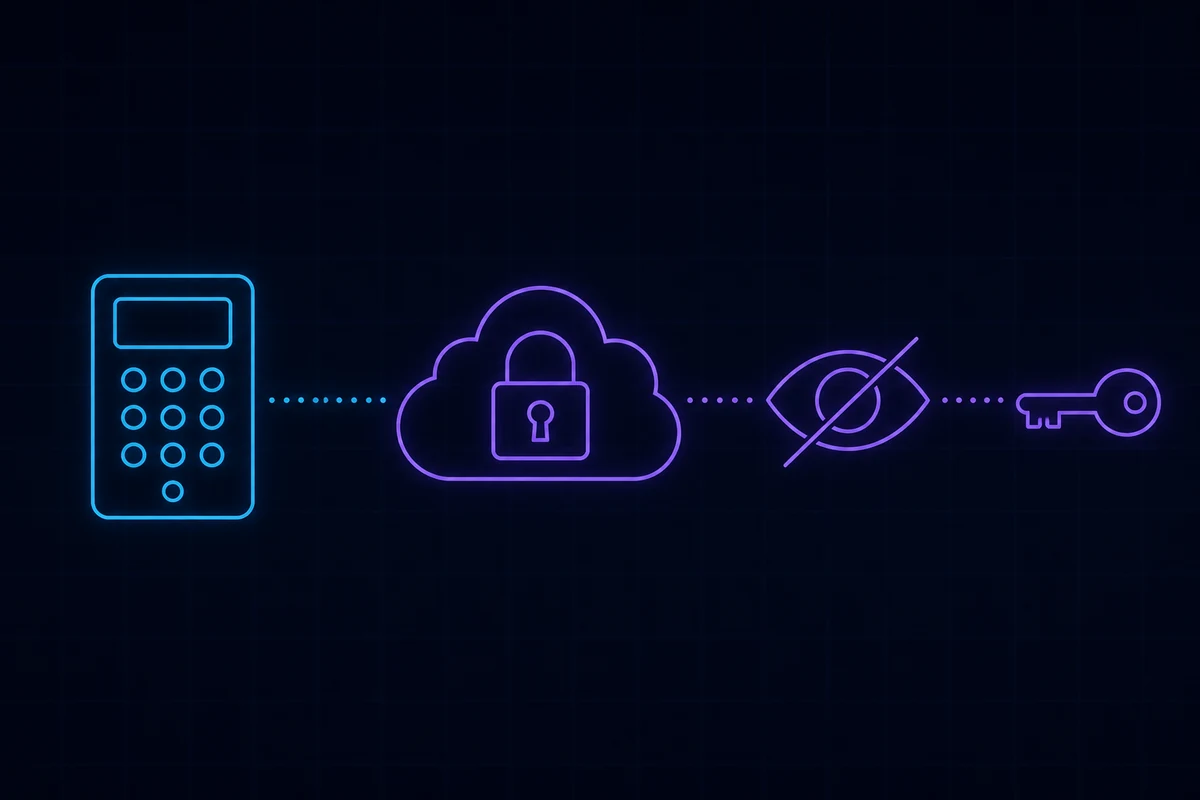
Where it sits in the login flow
Most of the confusion here comes from treating two separate gates as one.
| Gate 1: login code | Gate 2: cloud password | |
|---|---|---|
| What it is | A five-digit one-time code | A string you chose, valid indefinitely |
| Where it comes from | Pushed into the Telegram app; SMS or a call as fallback | Your memory |
| Who decides it exists | Telegram, always | You — no two-step verification, no second gate |
| Can it be resent | Yes, endlessly | No. There is nothing to resend |
Gate 1 proves the number is yours. Gate 2 proves the account is yours. Only accounts with two-step verification enabled have a second gate, which is why some people are asked for a password on a new device and others are not.
If you are stuck at the first gate rather than the second, that is a delivery problem, not a password problem — start with Telegram not receiving the code and Telegram sent the login code to another device.
Why there is no “show password” option
Telegram cannot show it to you because Telegram cannot read it either. What the server keeps is derived material that can confirm a password is correct but cannot be run backwards to reveal it. The same design protects passwords on every service worth trusting.
So none of these will ever produce a result:
- “Where do I find my cloud password in Telegram”
- “How to check my Telegram password”
- Any app or site advertising a Telegram password viewer — those are phishing, without exception
The general principle behind it is covered in what is two-factor authentication.
Setting and changing it
The path is the same across platforms:
Settings → Privacy and Security → Two-Step Verification
- Not set yet: tap Set Password, enter it twice, then you are offered a hint and a recovery email.
- Already set: the same screen offers Change Password, Set Recovery Email, and Turn Password Off. All three require the current password first.
The recovery email step is the one that matters:
A recovery email is not an optional extra. It is the only self-service route back into an account whose password you have forgotten. Skip it and you are choosing, in advance, to lose the account rather than recover it.
There is a trap in that step. Telegram sends a confirmation message to the address, and an unconfirmed address does not count. The field can look filled in while the email is not actually active. Go back to the same screen and check for a pending-confirmation notice.
Note that the recovery email is a different feature from signing in with email — that one is covered separately in most Telegram clients and does not replace the password.
Forgotten it: three situations, three outcomes
You have a recovery email and can read it
On the password screen tap Forgot password?. Telegram emails a six-digit code, you enter it, you set a new password. This is the only lossless path. Chats, groups and contacts all survive.
You have a recovery email but lost access to the inbox
Fix the inbox first. This is worth saying because people skip it: recovering an email account is usually far easier than recovering a Telegram password, since mail providers offer several verification routes. General approaches are in how to recover an account without your phone number.
You have no recovery email
There is no lossless path. Telegram offers exactly one option, Reset account, and it deletes the account together with every chat, contact and group membership. The number is then free to register again as a brand-new account. Full process and waiting periods are in how to reset or delete a Telegram account.
How much the hint helps
The hint you set is shown above the password field on the login screen. It helps a little, and it carries a cost: anyone holding your unlocked phone reads it too. Do not write “same as my bank” or “my birthday”. A hint that only makes sense to you is fine; a hint that is half the answer is a liability.
Five things people get wrong
- “The cloud password is my Telegram login password.” Half right. It cannot log you in on its own — you still clear the phone-code gate first. It is an addition, not a replacement.
- “I will just turn two-step verification off.” Turning it off requires entering the current password. If you have forgotten it, you cannot switch it off.
- “Reinstalling the app will skip it.” A reinstall creates a new session, so both gates apply again. Confirm you remember the password before you uninstall anything.
- “It does not protect against much.” It protects against the one attack that defeats SMS entirely: somebody taking over your number. They receive the code and still cannot get in. See SIM swap attacks and SMS security.
- “I used a rented number, so I do not need it.” The opposite. Numbers from a pool get recycled to somebody else eventually, and the cloud password is the only thing still on your side when that happens — see recycled phone numbers and security.
A three-minute audit
Open Telegram and walk through this now:
- Settings → Privacy and Security → Two-Step Verification — confirm it says enabled.
- Open it and check whether the recovery email is confirmed, not merely typed in.
- Confirm that address is one you can still sign into today.
- Put the password in a password manager. Memory and hints are not a backup.
- While you are there, open Settings → Devices and terminate any session you do not recognise.
Steps 2 and 3 are the actual root cause behind most unrecoverable accounts.
Wrapping up
Cloud password equals two-step verification password: not viewable, only changeable or resettable. It sits behind the SMS code and carries more weight than any other single setting on the account, and it is also the setting people configure once and never look at again. What decides whether you can rescue yourself later is not the password itself — it is a recovery email that you filled in and then confirmed. Three minutes today beats a lost account later. If you have already forgotten it, start at Telegram two-step verification password; if you no longer control the number either, read can you use Telegram without a phone number.