 SimSmsBox
Short answer: Two routes, opposite requirements. Reset account, offered on the login screen, is for people who receive the code but cannot remember the cloud password — it deletes the entire account so the number can be registered fresh, and it enforces a waiting period if a session is still active elsewhere. Delete account at
my.telegram.orgneeds you to still receive a Telegram login code, meaning the account is not really locked. What they share: neither preserves a single message.
First, work out where you are stuck
Plenty of people reach for a reset when they do not need one. Find your row before doing anything irreversible.
| Your situation | What to do |
|---|---|
| No login code arriving | Fix delivery, do not reset. See Telegram not receiving the code |
| Code went to another device | Go and read it there. See Telegram sent the login code to another device |
| Code works, password forgotten, recovery email set | Reset the password by email and keep everything. See Telegram two-step verification password |
| Code works, password forgotten, no recovery email | Reset the account — route one below |
| Number gone for good, no code possible | No self-service route. See the section further down |
| Account works fine, you simply want it gone | Delete via my.telegram.org — route two below |
Only rows four and six genuinely need the rest of this page.
Route one: Reset account from the login screen
For when the code arrives but the cloud password does not come back to you, and there is no recovery email to fall back on.
- Enter your number and the login code as usual.
- At the password prompt, tap Forgot password?.
- With no recovery email on file, Telegram states that recovery is impossible and offers Reset account.
- Confirm, and the deletion process begins.
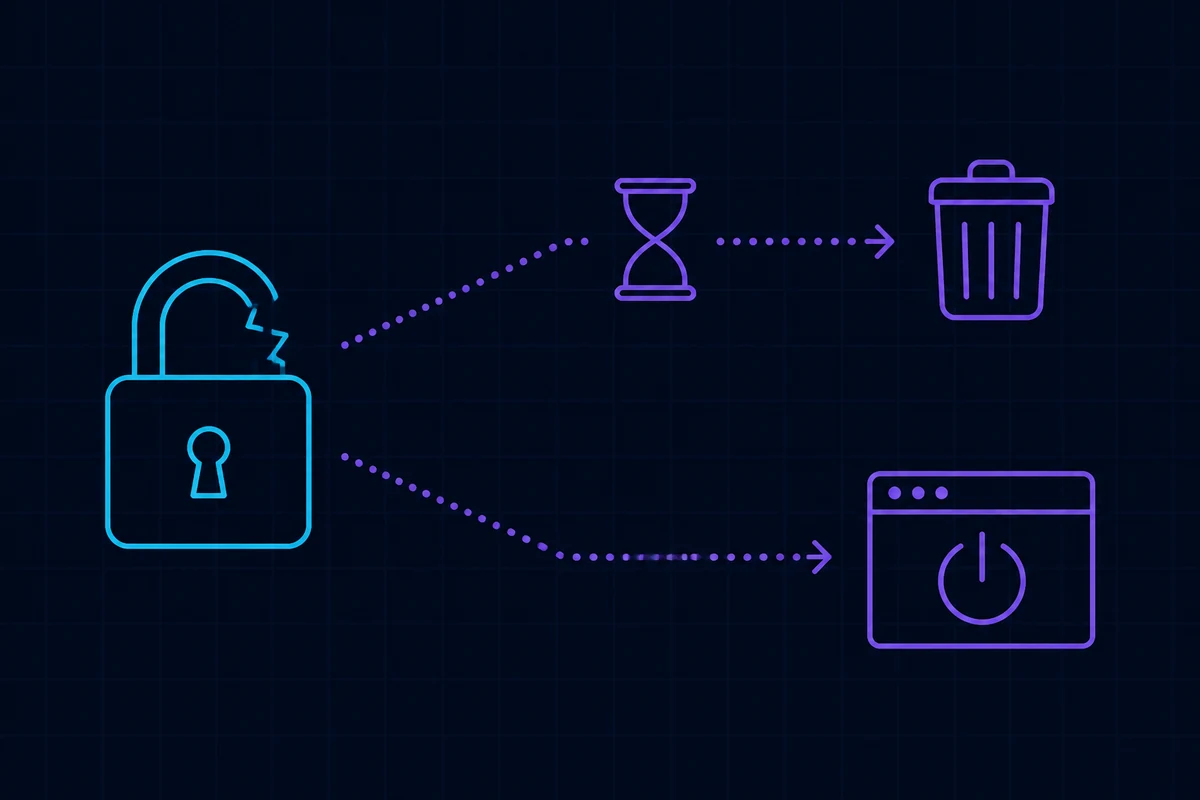
About the waiting period. If the account still has an active session on another device, Telegram imposes a cooling-off period — commonly seven days — before it actually deletes anything, and any login from that active device cancels the reset. This exists to stop somebody who has acquired your number from instantly wiping your account, so it is working in your favour even when it is inconvenient. Treat the figure shown in your own interface as authoritative.
With no active sessions anywhere, deletion typically proceeds much faster.
Route two: Delete account at my.telegram.org
For when the account still works and you want it closed permanently.
- Go to
my.telegram.org. - Enter the number in international format — country selected, leading zero removed. Format rules are in international phone number format.
- The confirmation code is pushed into your signed-in Telegram app, not sent by SMS. This mirrors web login behaviour, described in Telegram Web login with a phone number.
- Choose Delete account, give any reason, and confirm.
The prerequisite is also the limitation: you must be able to read that pushed code, which means the account is alive somewhere. Genuinely locked-out users cannot take this route.
Route three: let it lapse
Under Settings → Privacy and Security → If Away For, you can pick 1 month, 3 months, 6 months or 1 year of inactivity, after which Telegram deletes the account automatically.
This is not an emergency tool, but it is worth setting today — especially for accounts registered on a temporary number. That number will be recycled eventually, and the account should not outlive it. See recycled phone numbers and security.
What a reset actually costs you
Everything, and it is worth being specific:
- Every cloud chat. Telegram stores messages server-side, so there is no local copy to recover from.
- Your contact list as Telegram holds it.
- All group and channel memberships — and a channel you created with no other administrator effectively disappears with you.
- Remaining Telegram Premium time.
- Your username, which is released and may be claimed by somebody else.
One thing survives: the phone number. It returns to unregistered status and can immediately start a brand-new account with no relationship to the old one.
When the number itself is gone
The hardest case. The line was cancelled, the carrier reclaimed it, or it was a single-use number from an SMS service and no code can reach you.
There is no self-service path, and support cannot create one. Telegram’s entire recovery model rests on your ability to receive something sent to that number; remove that and the official channels have nothing to work with. General thinking for this situation is in how to recover an account without your phone number.
Which is exactly why the standard advice earns its keep: while the account still opens, change it to a number you will hold onto. If you sign up with a platform number, understand the difference between a one-off activation and a rental before you choose — renting a foreign phone number covers where each is appropriate, and SMS number sourcing explained covers why pooled numbers come back around.
Three misconceptions
- “Reset just signs me out everywhere.” It does not. It deletes, and it cannot be undone once the waiting period elapses.
- “The number is locked for months afterwards.” No. The number is reusable as soon as deletion completes; the wait happens before deletion, not after.
- “Support can bypass the cloud password for me.” They cannot. Telegram holds no readable copy of it, so there is nothing for anyone to look up. The mechanism is explained in what is the Telegram cloud password.
Wrapping up
Both routes are demolition, not recovery. Before triggering either, confirm you are actually in one of the two situations that require it — locked out by a forgotten password with no recovery email, or deliberately closing a working account. Nearly everything else has a lighter fix. If you do go ahead, accept the trade honestly: the messages are gone, the number comes back. When you register again, set the cloud password and add a recovery email and click the confirmation link — that one extra step is what spares the next version of you this entire trip.