 SimSmsBox
Short answer: There are two separate switches, and almost everyone changes only one. Who can see my phone number controls display. Who can find me by my phone number controls search. Set the first to Nobody and strangers still cannot be stopped from looking you up by number unless you also change the second. There is a third thing worth knowing: if you and another person have each other saved in your contacts, your number stays visible to them regardless.
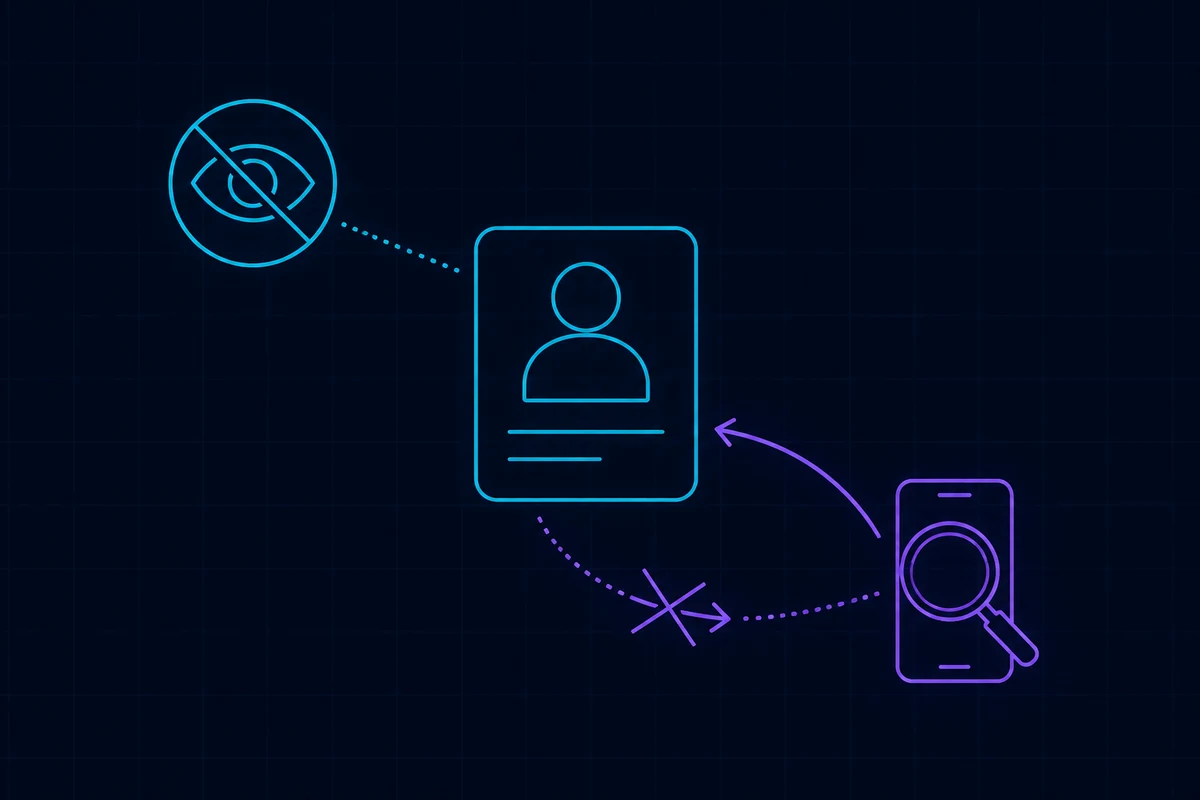
Two switches, two different jobs
Both live at Settings → Privacy and Security → Phone Number.
| Setting | What it governs | Options | Recommended |
|---|---|---|---|
| Who can see my phone number | Whether the number appears on your profile | Everybody / My Contacts / Nobody | Nobody |
| Who can find me by my phone number | Whether saving your number surfaces your account | Everybody / My Contacts | My Contacts |
Notice that the second setting has no Nobody option. The strictest available value is My Contacts, meaning anyone already in your contact list who saves your number can still resolve it to your account. That is a product decision, not a setting you have failed to find.
The exception people miss
Once you set the first switch to Nobody, Telegram adds a line of small print underneath. Paraphrased: users who have added you to their contacts, and whom you have also added, will still see your number.
The logic is reasonable — you already exchanged numbers — but it surprises people in one scenario. You swapped numbers with someone years ago, the relationship changed, you tightened your privacy settings, and they can still see it.
The fix is not in the privacy screen. Either remove them from your contacts, or use the Exceptions list on that same page to block specific people individually.
Username to number is a one-way street
This is the mechanic worth internalising:
- Number → account: possible. Save someone’s number in your phone’s contacts and Telegram matches it to their account, subject to the second switch.
- Username → number: not possible. Telegram never resolves a @username back to a phone number, and no official API exposes that mapping.
So every service advertising “telegram username to phone number” is either taking your money for nothing or phishing you. There is no legitimate route from a @username to a number.
Turn that around and you get the correct use of usernames: set one, and hand that out instead. With a username, people can message you without ever having your number, and the number leaves your social circulation entirely. Broader habits are in how to protect your phone number privacy, and the technique businesses use for the same goal is in what is phone number masking.
What a “Telegram phone number checker” is really doing
Those tools work in the opposite direction from what their name suggests. They bulk-import lists of numbers into a contact book and observe which ones Telegram matches to accounts — establishing, number by number, whether an account exists.
That works only because the second switch defaults to Everybody. And the information it yields stops there: whether the number is registered, plus whatever profile photo and display name you have made public. No message content, no private data, nothing you have not already published.
Setting Who can find me by my phone number to My Contacts shuts this down immediately. It is the single highest-value change on this page.
The wider consequence of numbers being used as identity keys is covered in phone number reputation.
How to find your own number
The reverse question is just as common — the account was registered years ago and the number is long forgotten:
- Open Settings.
- The number is shown at the top, under your name.
- On mobile, tapping it also opens the Change Number flow.
If you cannot get into the account at all, there is no external way to look up which number it was registered with. Telegram will not tell you, and neither will anyone else. That situation is covered in how to reset or delete a Telegram account.
Groups, channels, and forwarded messages
A frequent worry: does joining a large group expose my number to hundreds of strangers?
No — unless your first switch is set to Everybody. Member lists show names and usernames, not numbers. Two caveats:
- A contact card you send yourself carries the number with it.
- If someone already had your number saved, the group is irrelevant; they could see you before you joined.
Forwarded messages are a separate privacy surface with their own setting further down the same page, controlling whether forwards link back to your profile.
If you registered with a platform number
Signing up using a number from an SMS service does not change any of the above, but it adds two considerations:
- The number will be reused. Single-use numbers return to a pool and may later be issued to someone else, whose contact matching can then brush against your account. Background in recycled phone numbers and security.
- Set the cloud password. Once the number is no longer yours, that password is the only thing preventing an account takeover — see what is the Telegram cloud password.
If the account needs to survive long-term, rent the number rather than buying single activations: the distinction is in renting a foreign phone number. Options for avoiding a personal number altogether are compared in can you use Telegram without a phone number and Telegram +888 anonymous numbers.
A two-minute checklist
- Settings → Privacy and Security → Phone Number → Who can see = Nobody.
- Same page → Who can find me by number = My Contacts.
- Set a username and use it as your public handle from now on.
- Prune your contact list — the mutual-contacts exception runs off it.
- Settings → Devices → terminate anything unfamiliar.
Step 2 is the one most people skip and the one that does the most work.
Wrapping up
“Visible” and “findable” are different properties, and Telegram governs them with different switches. Out of the box, anyone holding your number can locate your account; only the second switch closes that door. Keep two boundaries in mind alongside it: mutual contacts see your number regardless, and a username can never be reversed into one. Set a username, flip both switches, tidy your contacts, and your phone number effectively stops circulating inside Telegram.