 SimSmsBox
 Short answer: Telegram sends the code to your other logged-in sessions first, on purpose. In-app delivery is cheaper and harder to intercept than SMS, so it is the default whenever any active session exists. The SMS option appears only after a wait, and only if the account qualifies for it.
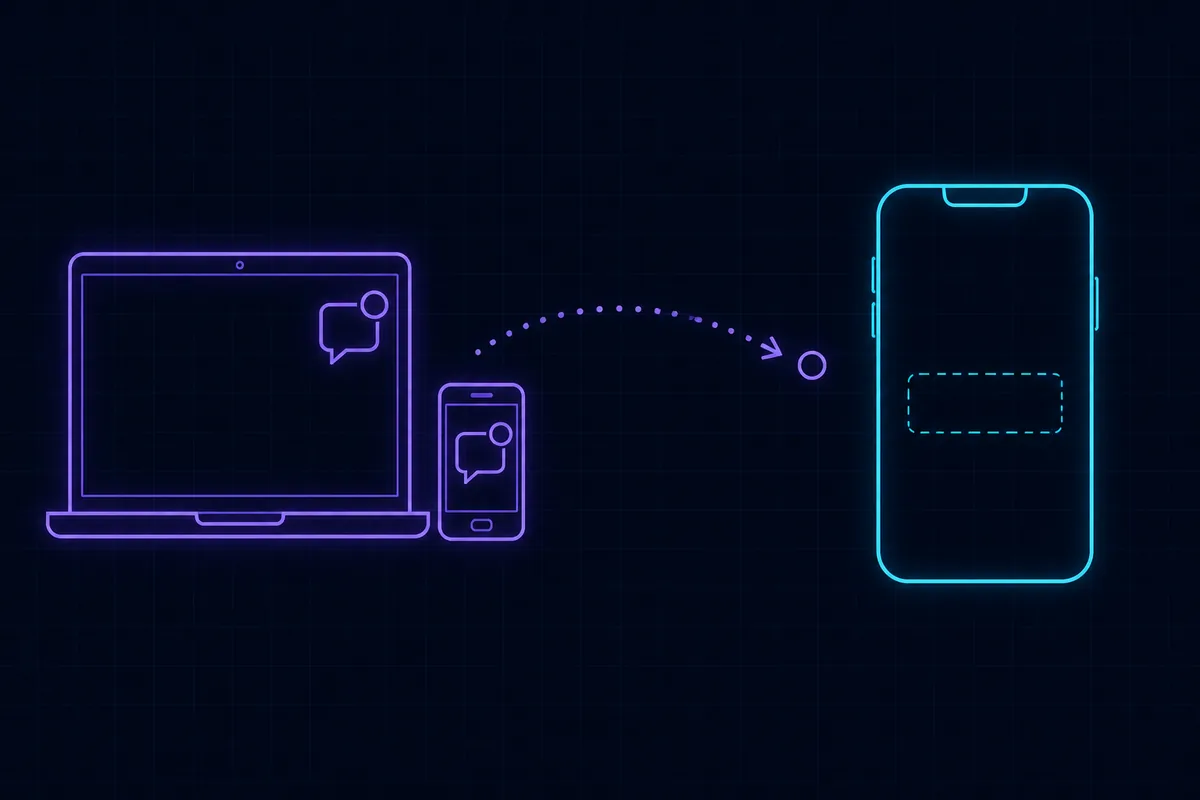
This is the single most common Telegram login complaint, and almost every time the behaviour is working as designed. The problem is that “your other device” might be a laptop you no longer own.
Why in-app comes first
An active Telegram session is an authenticated channel Telegram already trusts. SMS is not: it traverses carrier networks, can be intercepted, and costs Telegram money on every send.
So the delivery order is:
- Any active session — desktop, tablet, another phone, Telegram Web.
- SMS, after a countdown, if no session picked it up.
- Voice call, after a further countdown, in some regions and for some number types.
If you have ever left Telegram Web open on a work machine, that counts as an active session and it will take the code.
Getting the SMS instead
Wait out the countdown. The login screen shows a timer. Do not close the app, do not restart the login, do not re-enter the number — each restart resets the clock. When it reaches zero, a Send code via SMS control appears. Tapping it is what triggers the text.
Check the sessions you forgot about. If you can still reach any of them, the code is sitting there: Settings → Devices on that device shows the login attempt, and the code arrives as a message from the official Telegram service chat.
Do not spam retries. Repeated attempts trip the rate limiter and you will be locked out of requesting codes for a while. That behaviour is described in too many verification attempts.
If the countdown finishes and no SMS option ever appears, that is a different problem with its own causes — see no “Send code via SMS” option in Telegram.
When you cannot reach any other device
This is the case worth planning for, because the options narrow quickly.
| Situation | What to do |
|---|---|
| Still have the SIM | Wait for the countdown, use the SMS route |
| Lost the device but still control the number | Same — the number is what matters, not the handset |
| Lost access to the number itself | You need the cloud password, or an account reset |
| Have neither number nor password | The account is effectively gone |
The uncomfortable middle case is losing the number. Telegram has no email-based recovery for the login step — the number is the identity. If the number came from a per-code SMS activation, it has already rotated back to the pool and someone else may hold it.
That is the practical argument for renting a number rather than buying a single code when the account matters: renting a foreign phone number explains the difference, and SMS number sourcing explained covers what happens to pool numbers afterwards.
Where the cloud password fits
If Two-Step Verification is on, the login code is only step one — Telegram then asks for your cloud password. Two separate secrets, and people conflate them constantly.
This cuts both ways:
- It protects you. Someone who acquires your old number still cannot get in.
- It can strand you. Code in hand and no password means you are stuck at step two.
Recovery for that step runs through your recovery email, or a 7-day account reset if you never set one. The details, including what the reset destroys, are in Telegram two-step verification password.
Things that do not help
- Reinstalling the app. Delivery is decided server-side. A fresh install changes nothing and loses any local drafts.
- Switching between Telegram and Telegram X. Same servers, same rules.
- Trying Telegram Web instead. Same login flow.
- Asking a “Telegram support” account to send you a code. Telegram support never does this. Anyone offering to is running the scam described in what is an OTP bot.
- Giving the code to anyone. The message itself says not to. A code you did not request means someone is trying to take your account — see verification codes you did not request.
Making this not happen again
- Set a username so people can reach you without the number.
- Turn on Two-Step Verification and add a recovery email. The email is what turns a lockout into an inconvenience.
- Prune Settings → Devices occasionally. Old sessions on machines you no longer control are both a security hole and the reason codes vanish.
- Keep the registration number alive. If it came from a platform, rent it rather than burning a single activation.
Wrapping up
Codes going to another device is the intended behaviour, and the fix is usually just waiting for the countdown and tapping “Send code via SMS”. The situation that actually hurts is losing access to the registration number, because Telegram has no email fallback for that step — which makes the cloud password and its recovery email the thing to set up now rather than later. If the SMS never arrives even after you request it, work through SMS code not arriving: causes and fixes.