 SimSmsBox
Short answer: Open
web.telegram.org, click Log in by phone Number under the QR code, pick your country and type only the local number with any leading zero removed. Then expect the counter-intuitive part: no SMS is sent if you have another Telegram session running. The login code is pushed into that app as a message from Telegram itself. SMS and voice are fallbacks, used only when nothing else is signed in.
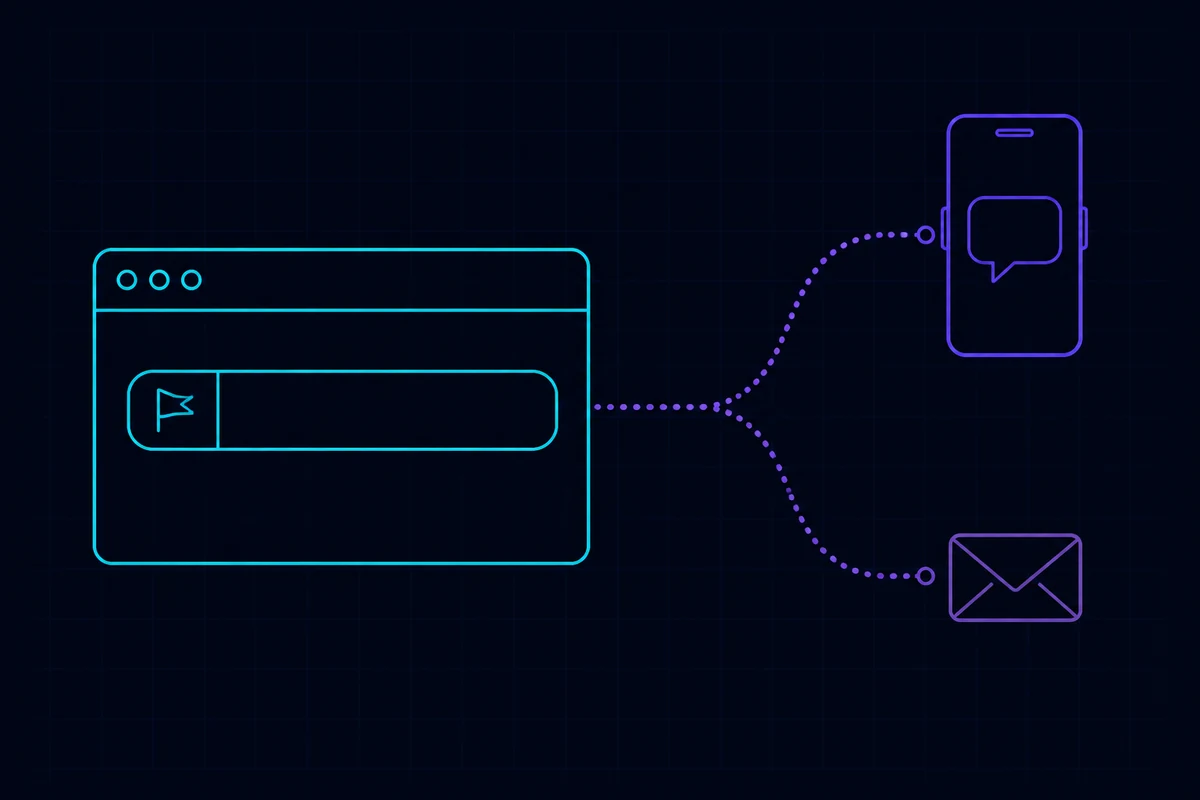
Get the address right first
There is one web entry point: web.telegram.org. You may land on a page whose URL contains /k/ or /a/ — those are two official front-ends running in parallel. They are equivalent in function and share the same account data, so either is fine.
What deserves care is lookalike domains. Telegram’s official domain is telegram.org, and anything else asking you to enter a cloud password should be closed immediately. A page that asks for the password before the login code is not Telegram.
Switching from QR to phone number
The default screen is a QR code. That is intentional, not a browser fault.
- Open
web.telegram.org. - Below the QR code, click Log in by phone Number.
- Choose your country from the dropdown — the dialling prefix fills itself in.
- Type only the remaining local digits.
QR login is a perfectly good route in its own right, and on a shared machine it is arguably the safer one because nothing is typed. How it works is in QR code login explained.
How to type the number
This is where most “Telegram web login phone number not working” reports come from. One rule: country code from the dropdown, plus the local number with any leading zero stripped.
| Country | How you normally write it | What goes in the box |
|---|---|---|
| United Kingdom | 07911 123456 | Pick +44, enter 7911123456 — drop the 0 |
| Germany | 0151 23456789 | Pick +49, enter 15123456789 — drop the 0 |
| United States | (415) 555-0199 | Pick +1, enter 4155550199 |
| India | 098765 43210 | Pick +91, enter 9876543210 — drop the 0 |
| China | 138 0013 8000 | Pick +86, enter 13800138000 |
Three errors account for nearly all of them:
- Typing the country code twice, producing something like
+44 447911123456. - Keeping the trunk zero. UK, German, Italian and Indian numbers are written with a leading 0 domestically, and it must be removed in international format.
- Letting autofill insert spaces, dashes or brackets along with the digits.
The full rule set is in international phone number format, and +1 specifically is covered in what country is +1.
Where the code actually goes
After you press Next, Telegram delivers the login code in a fixed order of preference:
- Another active session exists → the code is pushed into that Telegram app, arriving as a message from the official Telegram account.
- No active session anywhere → an SMS is sent.
- SMS does not get through → a voice call may be offered.
So if Telegram is still installed and signed in on your phone, look inside the app. Waiting on a text that was never sent is the single most common way to get stuck here. The reasoning behind that order is in Telegram sent the login code to another device, and the case where no SMS option appears at all is in no ‘Send code via SMS’ option in Telegram.
Then the cloud password
If the account has two-step verification enabled, a password prompt follows the code. It is not a second code and it is not sent anywhere — see what is the Telegram cloud password. Forgotten it? Start at Telegram two-step verification password.
Five errors and what they mean
“Invalid phone number” Check the format first. If the format is right and it still fails, the number most likely has no Telegram account at all. Telegram Web cannot create accounts — registration has to happen in a mobile client first.
Spinner forever, no code Almost always the code was pushed to an app, not texted. Check every device that still has Telegram installed. If you are genuinely certain no other session exists, work through SMS code not arriving.
“Too many attempts” Repeated resends put you into a cooldown that lengthens with each try. Stopping is the fix; pressing the button again extends the window. See “too many verification attempts”.
Signed in, then signed straight back out Usually the browser is clearing site data. Check for a “clear cookies on close” setting, and remember that private windows discard the session every time you close them.
Code arrives but verification keeps failing on a platform number Numbers whose country is far from your exit IP attract extra checks, and Telegram is stricter about this than most services. Background on why in phone number reputation and SMS number sourcing explained.
A web session is a real session
Once you are in, the browser appears under Settings → Devices as a session with the same reach as your phone — it can read your entire cloud chat history.
- On a shared or public computer, log out from inside the page. Closing the tab does not end the session.
- You can terminate it remotely later from the Devices list on any other device.
- Take thirty seconds to clear out old sessions you no longer recognise while you are there.
Wrapping up
Two things account for nearly every failed web login: how the number is typed, and where the code went. Select the country from the dropdown and drop the leading zero; then look inside your existing Telegram app rather than your SMS inbox. Everything else on this page is a footnote to those two. If you need a number that can receive a Telegram code in the first place, the full flow is in Telegram not receiving the code, and the options for signing up without your own number are compared in can you use Telegram without a phone number.