 SimSmsBox
 Quick answer: Passwordless authentication lets you log in without typing a password — using a fingerprint or face, a passkey, a security key, a one-time code, or a magic link instead. The goal is to remove the password, the weakest link behind most account breaches. Done right (with passkeys), it’s both more secure and more convenient; done with SMS codes alone, it’s easier but not immune to interception.
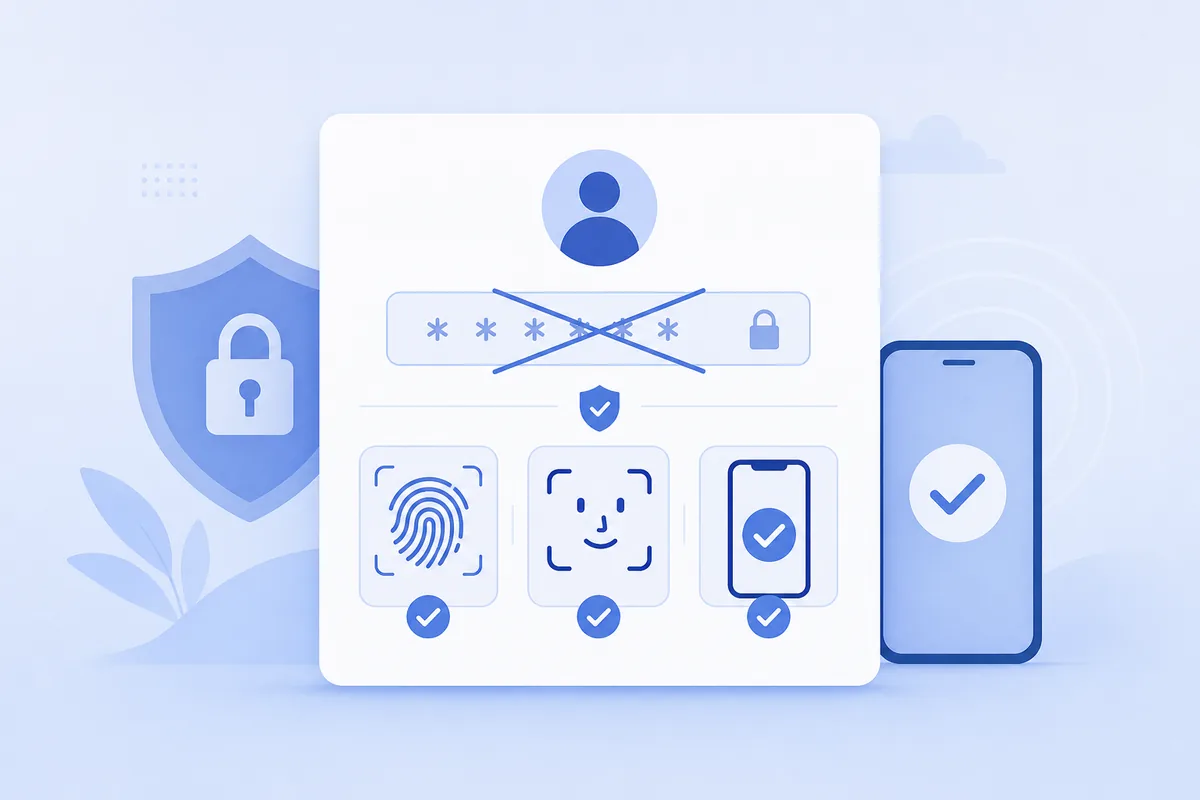
Passwords are the root of most security pain: they get reused, guessed, phished, and leaked. Passwordless authentication asks a simple question — what if there were no password to steal in the first place?
1. What “passwordless” actually means
Instead of “something you know” (a password), you prove your identity with:
- Something you are — a fingerprint or face scan on your device.
- Something you have — a phone, a passkey, or a hardware security key.
- A one-time secret — an emailed magic link or an SMS/app code you don’t have to memorize.
The account has no reusable password, so there’s nothing to leak in a breach or phish on a fake page.
2. Common passwordless methods
| Method | How you prove it’s you | Strength |
|---|---|---|
| Passkey (FIDO2) | Device-stored key + biometric | Very high, phishing-resistant |
| Security key | Physical token you tap/insert | Very high |
| Magic link | Click a one-time link in email | Medium |
| SMS / email OTP | Enter a one-time code | Medium; depends on the channel |
| Authenticator app | On-device generated code | High |
3. Passwordless vs 2FA — not the same thing
This trips people up:
- Two-factor authentication adds a second factor on top of a password.
- Passwordless replaces the password with a different factor.
A passkey can be both passwordless and multi-factor in one step (the device you have + the biometric you are), which is why it’s the direction the industry is moving.
4. Strengths and trade-offs
Upsides: nothing to reuse or leak; phishing-resistant methods (passkeys, keys) can’t be handed to a fake site; less login friction.
Trade-offs: account recovery becomes the critical question — lose the device and you need a safe fallback. And “passwordless” via SMS code alone still rides the SMS channel, so it inherits SIM-swap and interception risks. The strongest passwordless is passkeys, not one-time codes.
5. What this means for verification codes
Many “passwordless” logins you use today are really a one-time code sent to your phone or email — you enter it instead of a password. Treat that code exactly as you would a 2FA code: it’s for you to enter into the login you started, never to share. Whether it lands on a SIM or you receive it online, a code that arrives without you trying to log in is a warning, not a routine step. And where a service offers to upgrade from codes to a passkey, take it for accounts that matter.
FAQ
Q: Is passwordless login safer than a password plus 2FA? The strongest passwordless (passkeys, security keys) is safer — it’s phishing-resistant and has nothing to leak. Passwordless via SMS code alone is roughly as strong as SMS 2FA.
Q: What happens if I lose my device? That’s why recovery matters. Register a backup passkey or key, keep recovery codes, or set a fallback method so you’re not locked out.
Q: Do I still need a password anywhere? Often as a fallback during the transition. The trend is to make the passkey primary and phase the password out entirely.
Takeaway
Passwordless authentication removes the password — the thing most often reused, phished, and leaked — and proves identity with a device, a biometric, or a one-time secret. Passkeys are the strongest form and worth adopting for important accounts; if your “passwordless” is just an SMS code, keep treating that code like a secret you never share.