 SimSmsBox
 Quick answer: A security key is a small physical device (USB, NFC, or built-in) that proves your login with cryptography and is essentially immune to phishing. SMS 2FA sends a code to your phone — convenient and widely supported, but interceptable via SIM swap or phishing. A key is the stronger factor; SMS is the more universal one. For your most valuable accounts, use a key; keep SMS as backup where keys aren’t offered.
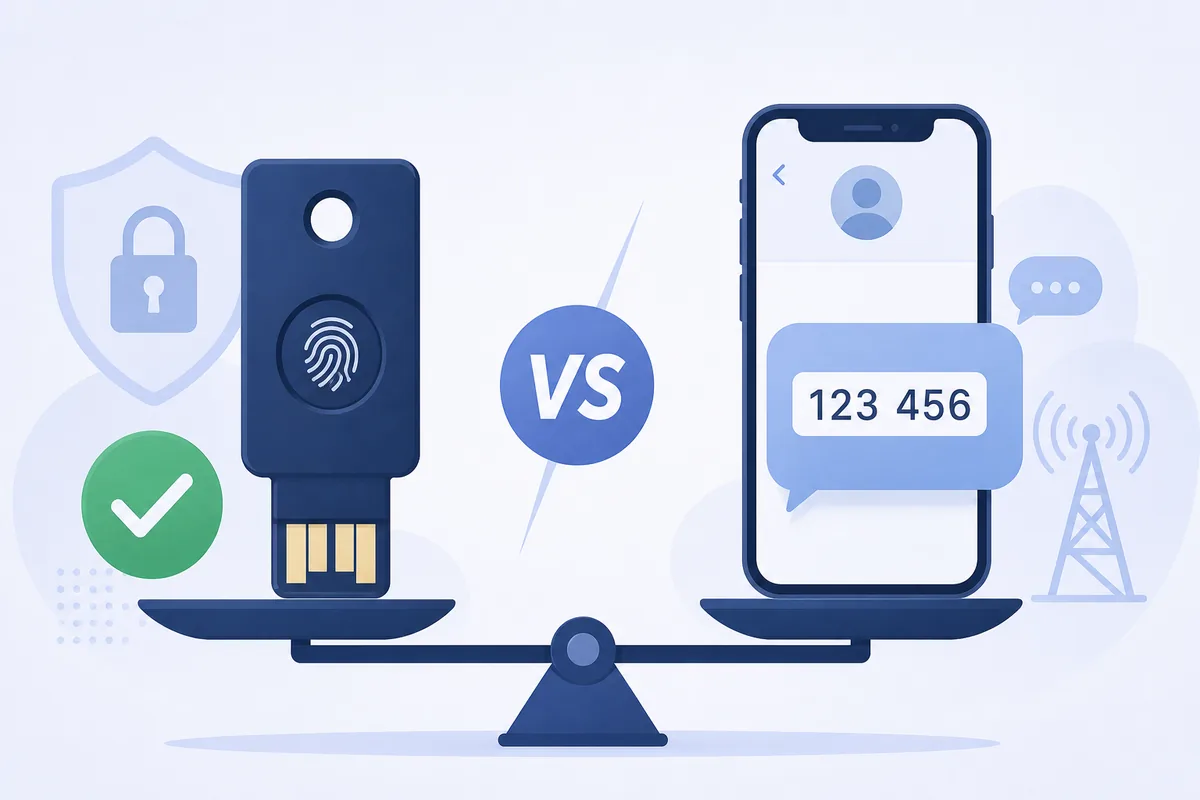
Both a security key and an SMS code are “something you have,” so both count as a second factor. But how they prove possession is completely different — and that difference decides how well each resists a real attacker.
1. How each one works
- SMS 2FA: the service sends a one-time code to your number; you type it back. Proof of possession = you received the text.
- Security key: the site sends a cryptographic challenge; the key signs it with a private key that never leaves the device, and it only responds to the exact site that registered it. Proof = a signature that can’t be replayed or phished.
That last detail is the whole game: a key checks which website is asking, so a fake page gets nothing.
2. Head-to-head
| Security key | SMS 2FA | |
|---|---|---|
| Phishing resistance | Very high (site-bound) | Low — codes can be relayed |
| SIM swap / SS7 risk | None | Vulnerable |
| Works offline | Yes | Needs signal |
| Cost | ~one-time purchase | Free |
| Setup friction | Higher (buy, register, backup) | Minimal |
| Universality | Growing, not everywhere | Almost everywhere |
3. Where SMS still wins
SMS isn’t obsolete. It requires no extra hardware, works on any phone, and is supported by nearly every service. Critically, any second factor beats a password alone — SMS 2FA still blocks the credential-stuffing and password-leak attacks behind most account takeovers. For low-stakes logins, that convenience is a fair trade.
4. Where a key is worth it
Use a security key (or its phone-based cousin, a passkey) for accounts where takeover would be catastrophic:
- Primary email (it resets everything else)
- Banking and crypto exchanges
- Admin, developer, and cloud consoles
These are exactly the targets where attackers will bother to phish a code or run a SIM swap — the attacks a key defeats outright. Register two keys (one backup, stored separately) so a lost key doesn’t lock you out.
5. What this means for receiving codes
Even with keys on your top accounts, you’ll keep receiving SMS codes elsewhere — many services still offer nothing else. Handle them the usual way: enter a code only for a login you started, and never read one aloud to a caller. If you receive codes online, the same holds; and where a service lets you upgrade from SMS to a key or authenticator app, take it for anything you’d hate to lose.
FAQ
Q: What’s the difference between a security key and a passkey? A passkey is the same phishing-resistant cryptography, but stored on your phone or laptop instead of a separate device. A physical key is a dedicated hardware token; a passkey is more convenient, a key is more isolated.
Q: If I lose my security key, am I locked out? Only if it was your only factor. Always register a backup key or a fallback method, and store recovery codes safely.
Q: Is SMS 2FA safe enough? For everyday accounts, yes — it stops the common attacks. For email, money, and admin access, a key or passkey is the safer choice.
Takeaway
A security key proves your login with site-bound cryptography that phishing and SIM swaps can’t touch; SMS 2FA trades some of that strength for universal convenience. Put keys on the accounts you can’t afford to lose, keep SMS everywhere else, and remember any second factor is a huge upgrade over a password by itself.