 SimSmsBox
 Quick answer: A passkey logs you in with your device’s biometrics plus a key pair — there is no stealable “code,” so it resists phishing and man-in-the-middle attacks far better than SMS OTP. But SMS codes win on universality: any phone can receive them with no extra setup, so they remain the most common way to verify sign-ups and log in across devices. Use passkeys where you can, but SMS OTP will coexist for a long time.
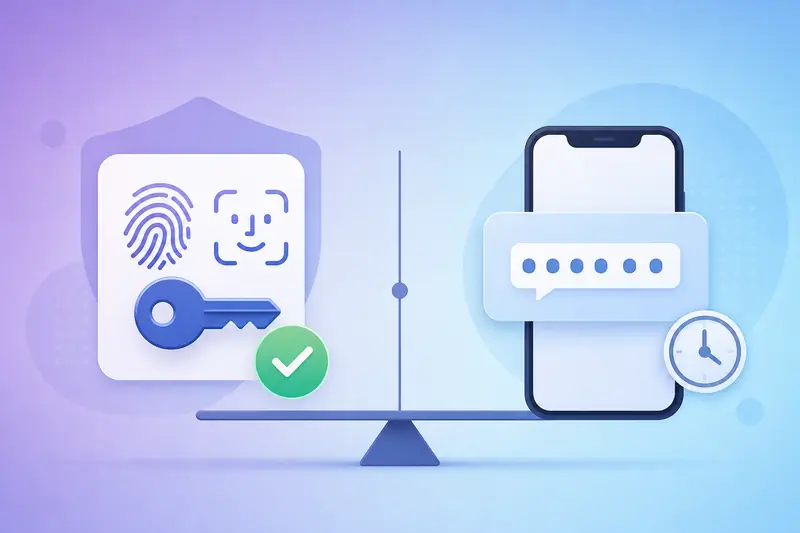
More and more apps now offer “passkey” login, promising “no password, no code.” So how does it differ from the SMS one-time password (OTP) we all know, and which should you use? Here’s the clear version.
1. They work in fundamentally different ways
SMS OTP
The server generates a one-time code and sends it to your phone by SMS; you type it back to verify. Its security rests on one assumption: only you can receive that message. To understand the OTP itself, see What is an OTP code.
Passkeys
Passkeys are built on public-key cryptography (FIDO2/WebAuthn). At registration your device creates a key pair: the private key stays in your phone or computer’s secure area, and the public key goes to the site. To log in, you unlock the private key with a fingerprint, face, or PIN to sign a challenge — there is no forwardable, interceptable “code” anywhere.
2. Key differences at a glance
| Factor | Passkey | SMS OTP |
|---|---|---|
| Phishing resistance | Strong; key bound to the site domain | Weak; codes can be phished |
| SIM-swap resistance | Strong; doesn’t rely on a number | Weak; a ported number breaks it |
| Universality | Medium; needs device/platform support | High; any phone receives it |
| Cross-device | Via sync/QR, slightly fiddly | Simple; new phone still gets the code |
| Sign-up barrier | Needs passkey support | Just a number that can receive SMS |
3. Which to use
- High-value accounts (email, bank, exchange): turn on passkeys if available — highest security.
- Daily login on your own devices: passkeys feel smoother — a fingerprint or face and you’re in.
- New sign-ups, first cross-device login, running multiple accounts: many platforms still force phone verification, where SMS OTP is irreplaceable.
- No passkey environment (old devices, shared computers): SMS OTP is more universal.
Worth noting: even if you rely on passkeys, the sign-up step often still needs a phone number for a one-time code. If you don’t have a suitable number, see How to receive SMS online without a SIM card.
4. Will passkeys replace SMS OTP?
Long term, passkeys will take over “login,” especially in high-security scenarios. But SMS OTP wins on “zero barrier, works everywhere,” and it will persist for sign-up verification, account recovery, and legacy systems that don’t support passkeys. The two are more likely to coexist for years than for one to vanish overnight. For the bigger 2FA picture, see What is two-factor authentication (2FA).
FAQ
Q: Do passkeys mean I no longer need a phone number? Not for login, but many platforms still require a number at sign-up, for risk control, or for recovery.
Q: What if I lose the device with my passkey? Passkeys can sync to a new device via your account (e.g. iCloud Keychain, Google Password Manager) or be recovered with backups — losing one device doesn’t lock you out.
Q: Can I enable both? Yes. Many services let you use a passkey as primary with SMS as a backup/recovery method — balancing security and universality.
Takeaway
Passkeys versus SMS OTP is essentially “higher security ceiling versus broader universal floor.” Use passkeys for high-value accounts that support them; but for sign-ups, cross-device, and legacy scenarios, SMS OTP remains a tool you can’t drop. Using both together is the most practical choice today.