 SimSmsBox
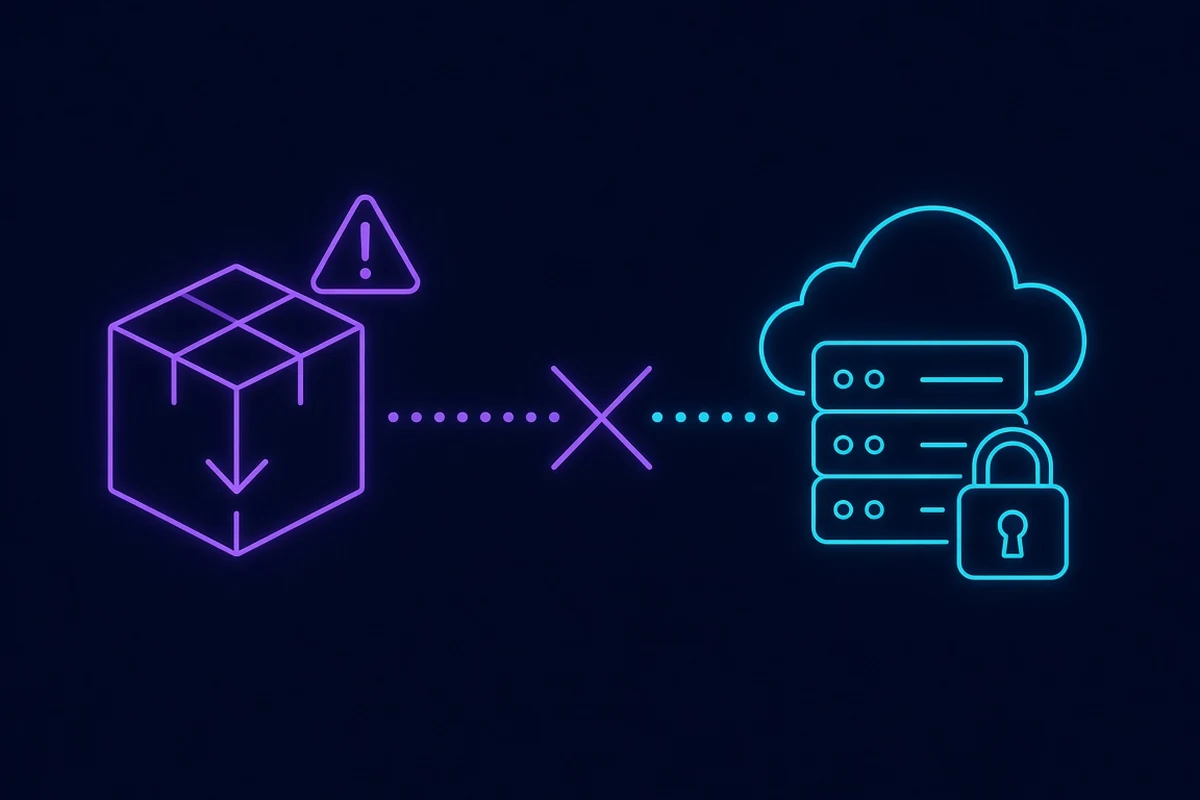
Short answer: No APK can create a Telegram account without a phone number, because the number requirement lives on Telegram’s servers, not in the app you install. Any client — official, third-party or modified — has to complete the same server-side registration, and that registration asks for a number. So a build advertising otherwise is not doing something clever; it is doing something else. In practice these files are one of four things: a repackaged official app with adware, a credential-harvesting client that relays your login code to someone else, a plain malware dropper, or a download page that never delivers a file at all. If your goal is to keep your personal number private, there are three routes that genuinely work, and all of them use an unmodified app.
Why the premise cannot work
This is worth being precise about, because “maybe one of them works” is what keeps people clicking.
When you register, the app sends a number to Telegram’s servers. The servers generate a code, deliver it, and wait. Only when the correct code comes back does an account exist. Everything that matters happens on the server side. The app is a keyboard and a screen.
Modifying the app changes what you see. It cannot change what Telegram requires, any more than editing a shop’s website in your browser changes what they charge your card. A build that “skips” verification has skipped nothing — it has either faked the screen you are looking at, or it is verifying with a number that is not yours.
That second case is the interesting one, and it leads directly to the next section.
The four things these files turn out to be
1. The official app, repackaged. Someone took the real Telegram APK, added an ad SDK or analytics, re-signed it, and posted it. It works, which is why the reviews look fine. It also cannot receive updates through the Play Store, so it stays on whatever version it shipped with — including that version’s security holes.
2. A harvesting client. The build looks like Telegram, asks for your number, and shows a code entry screen. What it is really doing is passing your number to an attacker’s session and asking you to forward the code that arrives. You type the code, they get the account. This is the same mechanism as an OTP bot, just wrapped in an app icon instead of a phone call. If you have a cloud password set, it is what stops the takeover at the last step — which is the single best argument for setting one.
3. A dropper. The file is not Telegram at all. It requests SMS and accessibility permissions on install, which in practice means it can read every verification code your phone receives, for every service. How SMS-stealing malware operates describes the rest of that story.
4. Nothing. The download button cycles through redirects, offers a “verification” step, and never produces an APK. Comparatively harmless, and the most common outcome.
”But it has good reviews”
Reviews on APK mirror sites are not moderated by anyone with an interest in accuracy, and variant 1 above genuinely does work at first — so early reviews are honest and positive. The problems arrive weeks later, by which point nobody connects them to the download.
How to tell a real Telegram from a fake one
Telegram publishes more than one client, which is exactly the ambiguity these builds exploit.
Genuinely official: the Telegram app on the App Store and Google Play, the direct APK from telegram.org, Telegram Desktop, Telegram Web, and Telegram X — a second official Android client that people routinely mistake for a mod. What Telegram X actually is covers the difference; the short version is that it is published by Telegram, shares your account, and is not a workaround for anything.
Third-party but legitimate: Telegram’s API is open, so independent clients exist. They are still third-party code holding your session, and they do not become safe by being popular.
Everything else. If the download is not from telegram.org or an official store, treat it as unknown code with full access to your messages.
One reliable tell: the address. Fake distribution almost always rides on a lookalike domain, and which Telegram addresses are real is worth a read before you trust any download page. The same applies to links arriving by message — that is smishing with an install at the end of it.
What to do instead
The underlying goal is almost always “use Telegram without exposing my personal number.” That is a reasonable goal, and there are three real ways to reach it.
A second real SIM. A prepaid SIM in your own name or a spare line. Highest reliability, lowest convenience, ongoing cost.
Telegram’s own +888 numbers. Telegram sells anonymous numbers that register an account without any carrier involved. Official, supported, and permanent — but paid, and bought through Fragment rather than the app. How +888 numbers work and what they cost covers the trade-offs.
An SMS verification platform. You rent a real number, receive the registration code, and keep your own number out of it. This is the cheapest route and the one most people end up on; the caveats are real but manageable, and what actually works versus what never does is the honest version — particularly the part about why the free public inboxes fail.
All three use the unmodified official app. None of them require a download from anywhere unusual. The full comparison, including which route suits which situation, is in using Telegram without your own phone number.
If you already installed one
Work through this in order:
- Uninstall the build. Do not just sign out first — uninstalling removes the app’s access immediately.
- Terminate its session. In the official app: Settings → Devices → end everything you do not recognise, then end all other sessions if you are unsure. What a session can see explains why this step is not optional.
- Set or change your cloud password. If you did not have one, set one now. If you did, change it.
- Check other accounts. If the app had SMS permission, assume codes for other services were readable during the period it was installed. Change passwords where a texted code is the only second factor.
- Scan the device. Play Protect or a reputable scanner. If the app requested accessibility permissions, revoke them in Settings and verify nothing else has them.
If the account is already gone and you cannot log back in, the reset and deletion paths are the remaining options — both are slow and one is destructive, which is the cost of finding out this way.
Common questions
Is there a version for India / the UK / any specific country? No. The regional variants in search results are the same files with a different landing page. The number requirement is global.
What about “Telegram without phone number 2026 latest version”? The year in the filename is search bait. Nothing changed; there is no version in which server-side registration became optional.
Can I at least use it to log into an existing account? You could, and you would be handing that account’s session to whoever built it. Logging in is the most dangerous thing you can do with an untrusted client, not the safest.
Are there APKs that add features without being malicious? Some third-party clients are built in good faith. They still hold your session, still lag on security fixes, and still cannot register without a number — so they solve a different problem than the one you came here with.
Wrapping up
The file you are looking for does not exist, because the thing it claims to do happens on a server you cannot modify. Every build promising otherwise is monetising the search term, and the cheapest of those monetisations is the one that takes your account. Install the official app, pick one of the three real routes to keep your own number private, and set a cloud password before you need it — that last step is what turns a stolen code into a failed attempt.