 SimSmsBox
Short answer: Telegram X is an official Telegram app, not a competitor and not a mod. It is a second Android client built on a different engine, so it feels faster and lighter while showing you the same account, the same chats and the same cloud. You do not get a second account and you do not need to migrate anything — install it, sign in with the same number, and your chats are there. On iOS the experiment was folded back into the main app years ago, so the question is effectively Android-only now. For most people: use the main app. Telegram X is for people who specifically want the snappier client and can live with features landing later.
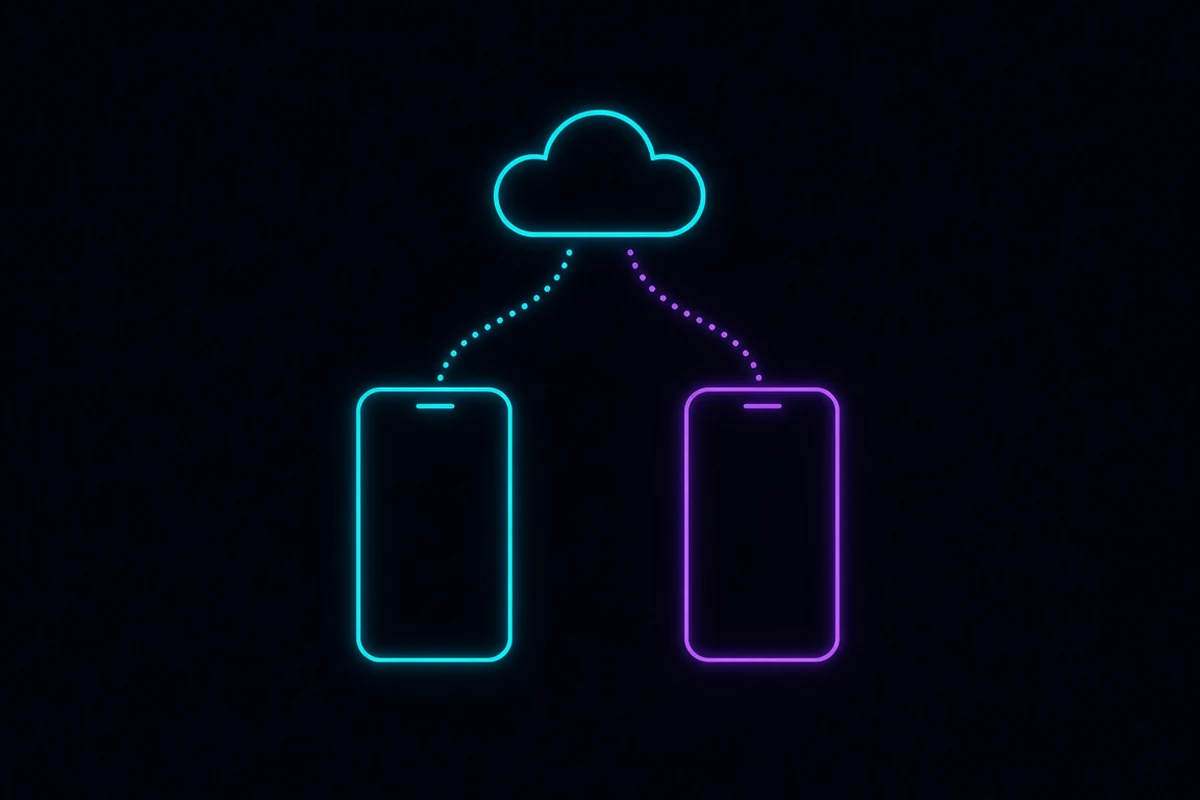
They are both Telegram
The confusion is understandable — two apps, near-identical logos, same name. But Telegram X is published by Telegram itself. It began as a rewrite of the Android client on top of TDLib, the same cross-platform core library other official clients use, and it was kept around as a faster, more experimental alternative.
Nothing about it is a third-party fork. That distinction matters, because the third-party Telegram builds floating around download sites are a genuinely different and risky category — see which Telegram addresses are real.
What actually differs
| Telegram (main) | Telegram X | |
|---|---|---|
| Published by | Telegram | Telegram |
| Platform | Everywhere | Android (the iOS version was merged into the main app) |
| Engine | Native Android client | Built on TDLib |
| Feel | Standard, heavier | Noticeably faster animations, lighter on older phones |
| New features | First | Later, sometimes much later |
| Your account | Same | Same |
| Chats, groups, channels, cloud files | Same | Same |
| Session | Its own | Its own, separate entry in Devices |
| Notifications | Independent | Independent |
The short version: the data layer is identical and the presentation layer is not.
Do they share an account?
Yes — completely. There is one account behind both, because your messages live on Telegram’s servers rather than in the app. Install the second client, sign in with the same phone number, and everything appears. What the Telegram cloud actually is explains why that works.
Consequences worth knowing:
- Both count as separate sessions. Settings → Devices lists them individually, and you can terminate either without affecting the other.
- Both can be online simultaneously. Read a message in one and it shows as read in the other.
- Secret Chats do not cross over. They are device-and-client bound, so a Secret Chat started in one client is invisible in the other. This is the single real gap between the two.
- Signing out of one does not sign out of the other. Neither does it delete anything.
Which one to install
Use the main app if you want new features on release day, you use Secret Chats, you rely on a feature that only recently shipped, or you simply do not want to think about it. This covers almost everyone.
Consider Telegram X if your phone is older or slower and the main app feels sluggish, you care about animation smoothness and scrolling performance, or you want a lighter install.
Install both if you want to try X without commitment. There is no downside beyond storage — they coexist fine and you can uninstall either at any time.
One caution: because X trails on features, occasionally something you read about will not be there yet. That is the trade you are making for the speed.
Signing in and verification work identically
Both clients run the same login flow, so nothing here is client-specific:
- Telegram tries your other active sessions first and delivers the code as an in-app message. If you already have the main app signed in, installing X means the code shows up inside the main app rather than by SMS — expected behaviour, explained in why the code goes to another device.
- With no other session, it falls back to SMS and then to a voice call: Telegram not receiving the code.
- If the SMS option never appears, that is the delivery priority doing its job: no “Send code via SMS” option.
- If the number is rejected before any code is sent: when Telegram says the number is not valid.
- Two-step verification applies to both, because it belongs to the account: the cloud password guide.
Registering a fresh account from either client is the same process too — Telegram signup without your own phone number covers the options if you do not have a number to use.
Common questions
Will installing X log me out of the main app? No. They are independent sessions.
Can I run two different accounts, one in each app? Yes, and you can also run multiple accounts inside a single client. But that needs a second phone number for the second account — one number, one account, per the usual rules.
Does X get messages later? No. Same servers, same push infrastructure. Notification behaviour can differ by configuration, not by delay.
Is X still maintained? It receives updates, but more slowly than the main client, and features generally arrive there after they ship in the flagship app. Treat it as the faster, slightly-behind option rather than the cutting-edge one.
Is there a Telegram X for iPhone? Not as a separate app any more. That work was merged into the main iOS client.
Wrapping up
Same account, same cloud, different client — the choice is about how the app feels, not about what you can do with it. Default to the main app; reach for Telegram X if your phone is struggling and you would trade feature timing for speed. The one thing to remember either way is that each install is its own session: check Settings → Devices occasionally and terminate anything you do not recognise, which matters far more than which of the two you picked.