 SimSmsBox
 Quick answer: SMS-stealing malware is a phone trojan disguised as a normal app that asks for “read SMS” permission and then silently forwards your verification codes to an attacker in the background. It doesn’t trick you — it steals directly. The defense: don’t install shady apps, don’t grant SMS permission loosely, and move to an authenticator app or passkeys instead of SMS codes.
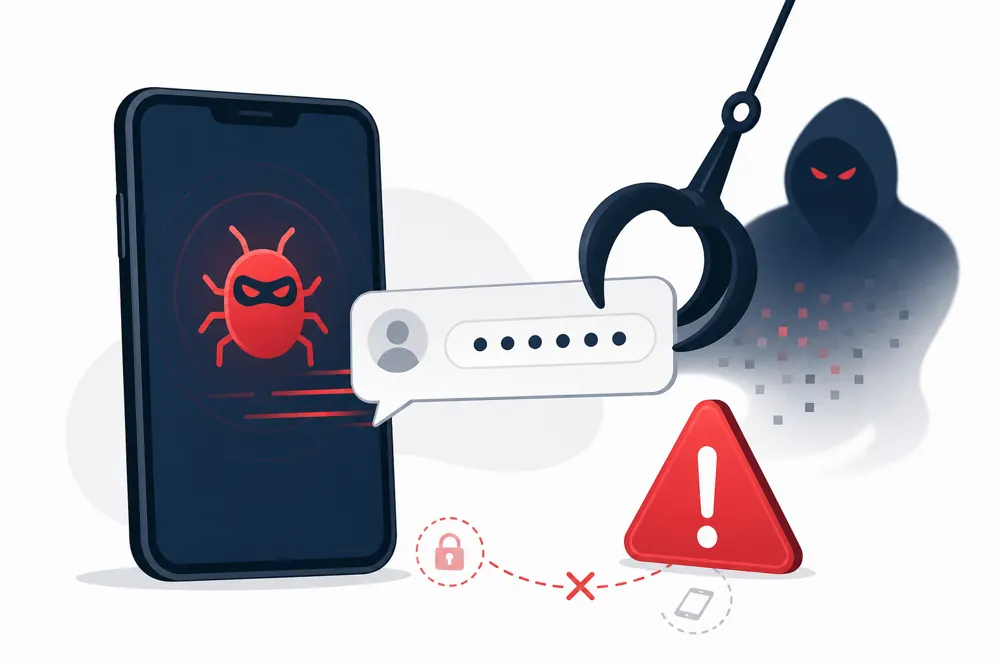
Most code attacks rely on tricking you — smishing lures a tap, an OTP bot coaxes you to read a code aloud. SMS-stealing malware is different: it’s already on your phone and needs no cooperation, taking the code the same second it arrives.
1. How it works
The process usually has three steps:
- Install. You install a normal-looking app — a flashlight, a “cleaner,” a fake bank or delivery app — from an unofficial store, a cracked APK, or a link in a phishing text.
- Ask for permission. It requests “read SMS / receive SMS” access. The moment you tap allow, it can see every incoming message.
- Forward. Whenever a code arrives, the trojan ships it to the attacker’s server or number in the background — often with nothing shown in your notifications.
Paired with a password that’s already leaked, the attacker now has “password + code,” enough to take over your account.
2. How it differs from other code attacks
| Attack | How it succeeds | Needs your cooperation? |
|---|---|---|
| SMS-stealing trojan | A malicious app on the phone | Only that you installed it |
| Smishing | Fake links and pages | Yes — you tap and type |
| OTP bot | A call posing as support | Yes — you read the code |
| SIM swap | Tricking the carrier | No, but it attacks the carrier |
What makes the trojan dangerous is that it’s silent: after install, you do nothing more, and codes leak the instant they land.
3. Warning signs
- Battery or data spikes after installing a particular app.
- Permissions that don’t match the app’s job (a wallpaper app wants to read SMS?).
- You receive codes you didn’t request, or friends get odd texts sent “by you.”
- Apps on your phone you don’t remember installing.
4. How to prevent it
- Install only from official app stores, avoiding cracked and third-party sources.
- Tighten SMS permissions. Periodically review which apps can read texts and revoke any that shouldn’t.
- Don’t install anything from a link in a text — those are classic smishing entry points.
- Keep the OS updated with security patches.
- Move to a stronger factor. Attackers can’t steal a TOTP generated in an authenticator app, or a device-bound passkey — because they never arrive as a text.
5. If you think you’re infected
- Go offline (airplane mode) to stop further exfiltration.
- Uninstall the suspicious app; use safe mode or a factory reset if needed.
- Change important passwords from a separate clean device, especially email and banking.
- Review account sign-in activity and revoke unknown sessions.
- Switch critical accounts from SMS codes to an authenticator app or hardware key.
6. What this means when you receive codes
A code is only as safe as the whole path from arrival to entry. Even if the text itself isn’t intercepted in transit, a malware-laden phone hands it over at the finish line. Build the habit: enter codes only for actions you started, and treat an unrequested code as a signal your account may already be targeted.
FAQ
Q: Can iPhones get SMS-stealing malware? The risk is far lower. iOS doesn’t let ordinary apps read other messages by default, so these attacks cluster on Android devices with sideloaded apps.
Q: I never clicked a link — how did I get infected? A link is just one route. More often you installed an app that looked fine but was malicious, and granted it SMS access.
Q: Do authenticator apps stop this attack? Largely, yes. TOTP is generated locally and never travels as a text, so an SMS-reading trojan can’t grab it. That’s a strong reason to upgrade from SMS to an authenticator or passkey.
Takeaway
SMS-stealing malware poses as a normal app, requests SMS permission, and quietly forwards your codes to an attacker — silent, with no cooperation needed. Install only from official stores, guard SMS permissions, and never install from a link in a text; upgrade important accounts from SMS to an authenticator app or passkeys so codes never arrive as texts at all.