 SimSmsBox
Short answer: On most apps, one phone number can be attached to one account at a time. Try to register a second account with the same number and you will usually see “this number is already in use”, or the new account will quietly push the old one off the number. A few services allow several accounts per number, and some let you add the same number as a recovery option on many accounts. If you genuinely need separate accounts — work and personal, a business page and your own profile — the clean way is one number per account, a number you control for anything important, and staying inside each platform’s rules on multiple accounts.
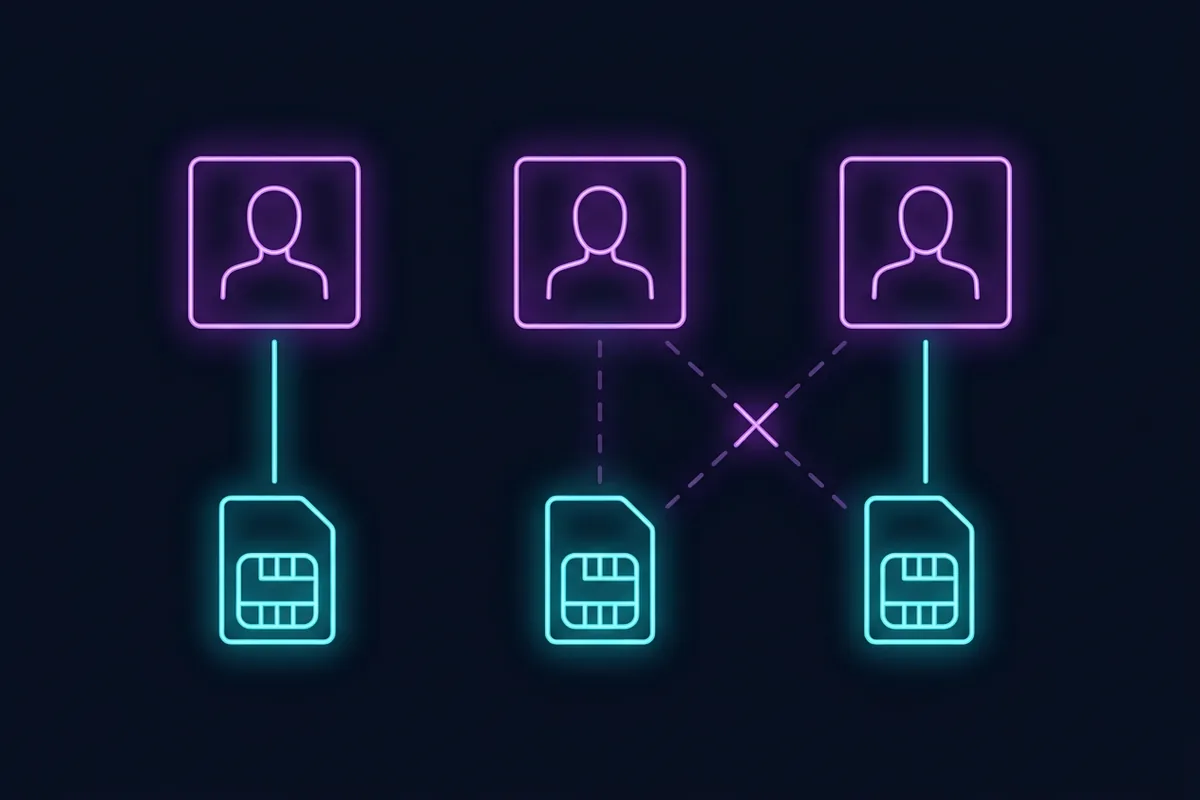
“How many accounts can I make with one phone number?” comes up from freelancers, small businesses, families sharing a phone and people who simply want to separate work from home. The answer has two layers: what the service technically allows, and what its rules and risk systems tolerate.
Layer one: what services usually allow
| Kind of service | Typical rule for one number |
|---|---|
| Messaging apps (WhatsApp, Telegram, Signal) | One account per number. Registering the number again moves the account, or replaces it. |
| Social networks | Usually one account per number for verification; some allow switching between several accounts once signed in. |
| Email providers | Often a limited number of accounts per number for verification, with the limit enforced quietly. |
| Banks, payment and crypto apps | Strictly one person, one account, tied to identity, not just the number. |
| Shops and marketplaces | Varies; seller accounts usually have stricter limits than buyer accounts. |
What the big apps actually allow
| App | Accounts per number | Built-in multi-account feature |
|---|---|---|
| 1 | Up to 4 linked devices; 2 accounts in one app on Android since October 2023, each with its own number | |
| Telegram | 1 | Up to 3 accounts in one app, 4 with Telegram Premium |
| Signal | 1 | Up to 5 linked devices; usernames since February 2024 |
| Not published | Switch between up to 5 accounts in the app | |
| Discord | 1 | Account switcher in the app |
Limits change, so treat the table as a starting point and check each app’s help centre before you rely on it.
Messaging apps are the strictest because the number is the account. On WhatsApp or Telegram, verifying the same number on a new phone does not create a second account — it signs the first one in there. How Telegram handles login by number shows what that looks like in practice.
What happens if you reuse a number
- “Number already in use”: the simplest outcome. The service refuses.
- The old account loses the number: some services let you attach the number to the new account and silently remove it from the old one. The old account is now one forgotten password away from being unrecoverable.
- A verification limit kicks in: after a few accounts, codes simply stop arriving for that number. Too many verification attempts explains how those limits work.
- Accounts get linked: services use the number, alongside device and network signals, to connect accounts. If one is restricted, the others may follow.
Layer two: rules on multiple accounts
Having several accounts is not automatically against the rules. Many platforms explicitly allow a personal account plus a business or creator account. What they forbid is using multiple accounts to get around a ban, inflate engagement, abuse sign-up bonuses or impersonate someone. Those uses get every linked account removed, and a different phone number does not change that.
So before you create a second account, check two things in the service’s terms: is a second account allowed at all, and what is it allowed for.
The clean way to run several accounts
- Use the platform’s own multi-account features first. Many apps have account switching, business profiles or family plans. They are designed for this and carry no risk.
- One number per account. For accounts you keep, each one should have its own number that you control: your main number, a carrier second line or an eSIM. A recent iPhone can store 8 or more eSIMs and use 2 numbers at the same time, and most current Android flagships support dual SIM as well. Virtual phone number pros and cons explains why a temporary number is a poor choice for anything long-term.
- Never share a temporary number between accounts. A recycled number can end up with someone else, together with the recovery route to every account it was attached to. Recycled phone numbers and security describes the problem.
- Give every account its own recovery method. A recovery email and an authenticator app per account means no single number is a single point of failure. Backup codes are worth saving for each one.
- Keep the accounts genuinely separate in purpose. A work account that does work and a personal account that does personal things will not look like coordinated activity, because it is not.
A family or a team on one number?
A shared family phone or a shared office line is a common reason for this question. Most services let you use one number for verification on one account and add the same number as a recovery contact on others. For teams, business tools usually support multiple users under one organisation, each with their own login — use that instead of sharing one number across many personal accounts.
Common questions
Can I use the same number for WhatsApp and WhatsApp Business? Not at the same time on the same number. Each needs its own number, though both apps can run side by side on 1 phone.
Can two Telegram accounts share a number? No. Telegram has one account per number; you can sign in to up to 3 accounts on one app (4 with Telegram Premium), but each needs its own number.
If I delete an account, can I reuse the number? Usually yes, after the deletion is processed, though some services keep the link for a waiting period.
Is using a different temporary number for each account a good idea? For throwaway accounts it works; for anything you want to keep, it creates a recovery problem later. Use numbers you control.
Why did my code stop arriving after a few accounts? The number hit a verification limit or gained a poor reputation. Phone number reputation explains the scoring.
Wrapping up
One number, one account is the default almost everywhere. If you need more than one account, use the platform’s own switching and business features, give each kept account its own number and recovery method, and make sure the second account is something the service actually allows. A new number never makes a forbidden use acceptable.