 SimSmsBox
 Quick answer: Getting a verification code you didn’t request usually means someone is trying to log into (or create) an account with your phone number or email — often because they have your password and are hitting the 2FA step. The code itself is harmless and does nothing on its own. The critical rule: never share it and never tap any link in the message. If the codes are for an existing account, change that password now, because someone may already know it.
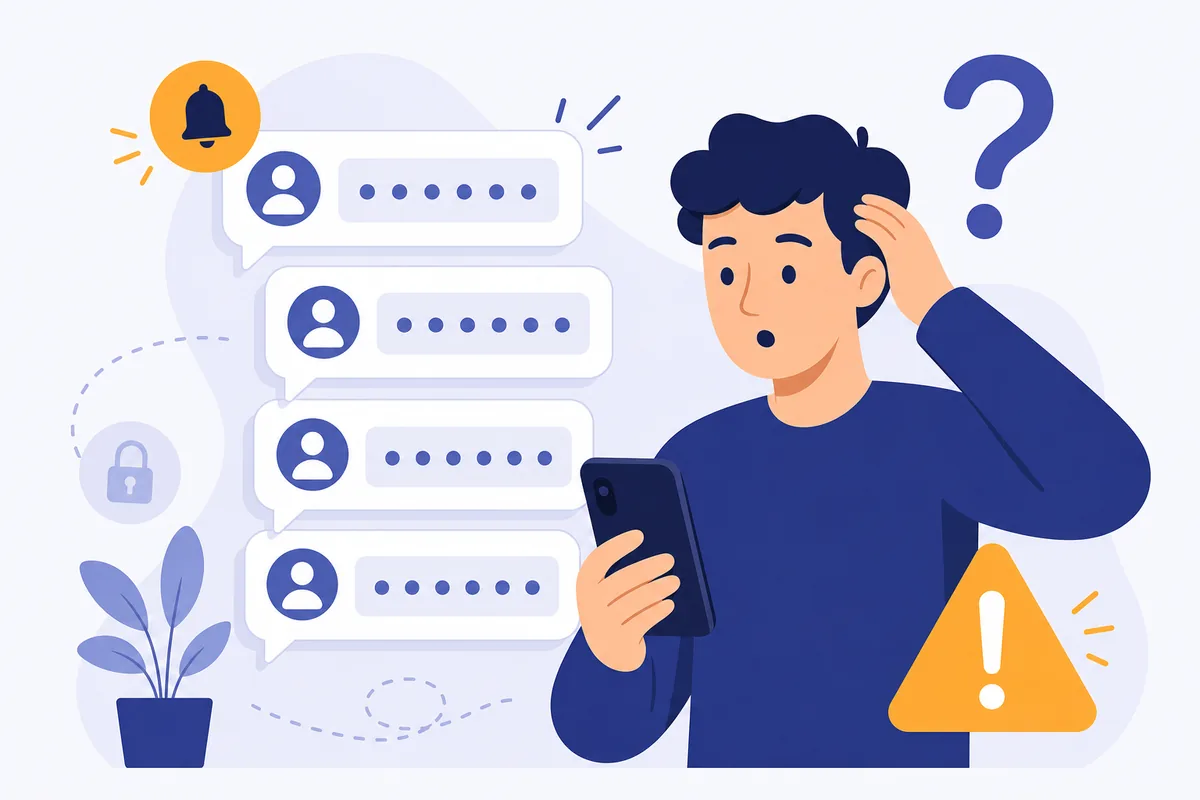
A code lands on your phone for a site you weren’t using. Then another. It’s unsettling — but it’s also a warning worth understanding, because what you do (or don’t do) next decides whether anything bad happens. Here’s what unrequested codes mean and exactly how to respond.
1. What an unrequested code means
A verification code is sent when someone triggers a login, signup, or password reset with your number or email. If you didn’t do it, someone else did — and the reason matters:
- Someone has your password. They’re logging in and hit your 2FA step; the code is all that stands between them and your account. This is the serious case.
- Someone mistyped their own number and yours received the code by accident. Harmless, if annoying.
- A bot is testing your number during mass signup or account-checking attempts.
- An OTP bot scam is in progress, hoping a follow-up call or text will trick you into reading the code aloud.
The code arriving is not the breach — but for the first case, it’s a bright red flag that your password may already be compromised.
2. The one rule that keeps you safe
Whatever the cause, the code is inert until someone enters it. So the defense is simple and absolute:
- Never share the code with anyone — not by text, not to a caller, not on a web form you didn’t open.
- Never tap links in the message; a real code text needs no link, and a link points to smishing.
- Don’t reply.
As long as the code stays with you, an attacker who has your password still can’t get in. That’s the whole point of the second factor — and why phishing you for the code is the attacker’s only remaining move.
3. When to take action
Match your response to the pattern:
| Situation | What to do |
|---|---|
| Repeated codes for your account | Change that password now; enable 2FA if not on |
| Someone then calls/texts asking for it | It’s a scam — never share it |
| A one-off code, no account of yours | Likely a wrong number; ignore |
| Codes + password reset emails | Secure the account immediately; check for reuse |
If codes target an account you own, assume your password is known and change it — ideally to a unique one you don’t use anywhere else, which also blunts credential stuffing.
4. What this means if you receive codes online
The same logic applies whether codes reach a SIM or you receive them online: only act on a code for something you just initiated, and ignore or discard the rest. On a shared or recycled online number you may see stray codes meant for others’ signup attempts — that’s expected and harmless as long as you never forward or enter them.
The one caution specific to receiving is not to treat a random incoming code as an invitation to “help” a caller or a message — that’s exactly the OTP bot playbook. A code you didn’t request is information about an attempt, never an instruction to you. Read only your own codes; give nobody else’s (or your own) to a third party.
FAQ
Q: Is it dangerous to receive a code I didn’t request? Receiving it is harmless — the code does nothing by itself. The danger is only if you share it or tap a link. If the codes are for your own account, though, treat it as a sign your password may be compromised.
Q: Why do I keep getting codes for an account I own? Most likely someone has your password and keeps hitting the 2FA step. Change that password immediately to a unique one, and make sure 2FA is enabled.
Q: Someone called saying they sent the code by mistake and asked me to read it back — should I? No. That’s a classic OTP scam. No legitimate person or company ever needs you to read back a code. Hang up.
Takeaway
An unrequested verification code usually means someone is trying to access an account with your number — often because they already have the password. The code is harmless until entered, so never share it or tap its links; and if it’s for an account you own, change that password now.