 SimSmsBox
Short answer: A WhatsApp verification code only arrives when someone is registering your number on a phone. If anyone asks you to forward it, even a friend, it’s an account takeover attempt. Don’t share it. If you already did, open WhatsApp on your phone and verify your number again with a new SMS code: that logs the other person out. Then turn on two-step verification (Settings → Account → Two-step verification) so a code alone is never enough.
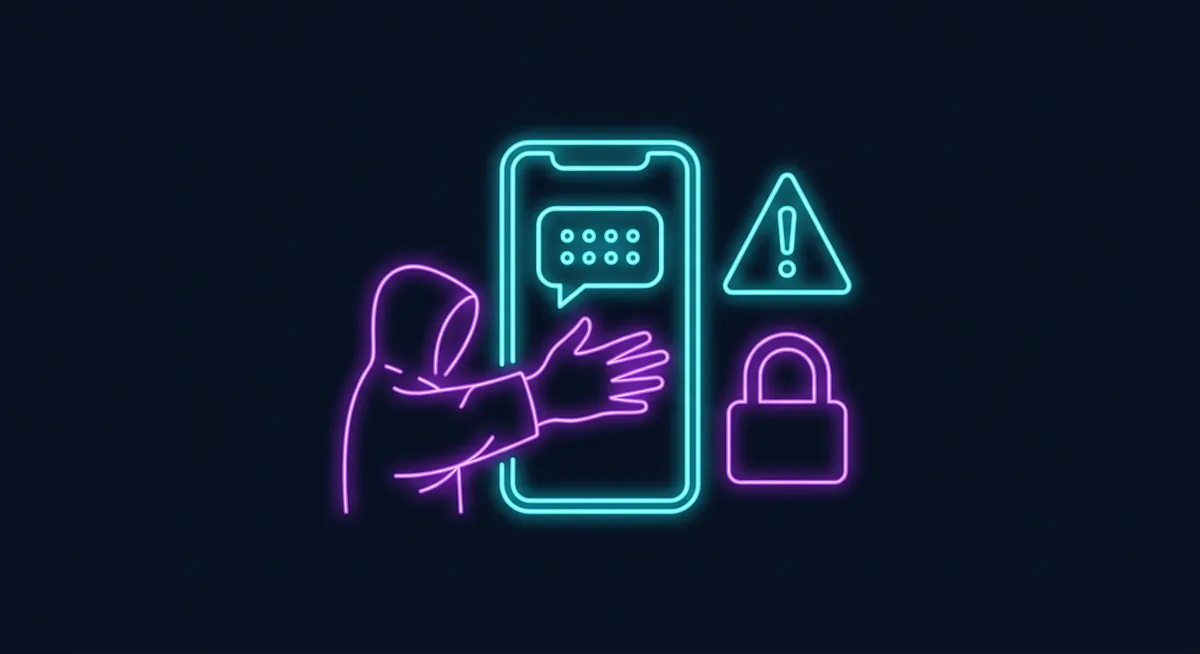
How the scam works
- The scammer installs WhatsApp and enters your phone number.
- WhatsApp sends a 6-digit registration code to you by SMS or voice call. This is the real code for your account.
- The scammer messages you with a reason to forward it.
- If you send it, they register your number on their phone and you’re logged out.
- They then message your contacts from your account, asking for their codes or for money.
That last step is why the first message often comes from a friend’s account: that account was taken the same way.
Common scripts
| Message | What’s really happening |
|---|---|
| ”Sorry, I sent my code to your number by mistake, can you forward it?” | Codes only go to the number being registered: yours |
| ”Vote for my niece in a contest, just send me the code you get” | The “vote” is your registration code |
| ”WhatsApp Support: verify your account or it will be closed” | WhatsApp doesn’t ask for codes in chats |
| ”I’m adding you to the family group, send the 6 digits” | Groups never need a code |
| Missed call, then silence | They chose voice delivery to reach your voicemail |
The voicemail version: if you don’t answer the WhatsApp voice call, the code lands in voicemail. Accounts with a default voicemail PIN (often 0000 or the last four digits of the number) can be accessed remotely. Set a non-default voicemail PIN, or turn voicemail off.
You got a code you didn’t request
Someone typed your number, by mistake or on purpose. Nothing has happened yet:
- Don’t share the code and don’t reply to anyone who asks for it.
- Turn on two-step verification now (steps below).
- Check Settings → Linked devices and log out anything you don’t recognise.
More on unrequested codes in general: verification codes you didn’t request.
You already shared the code
Act fast:
- Open WhatsApp on your phone and register your number again. Request a new code by SMS or call and enter it. As soon as you enter it, anyone else using your account is logged out.
- If WhatsApp asks for a two-step PIN you never set, the scammer turned it on to lock you out. You’ll have to wait 7 days before you can verify without it. They were still logged out the moment you entered the SMS code.
- Check Linked devices and remove unknown sessions.
- Warn your contacts by SMS, a call or another app: don’t send codes or money to anyone using your account.
- If you can’t get back in, email WhatsApp support with “Lost/Stolen account” and your number in international format, for example +44 7700 900123.
- If money was sent, call the bank or payment app right away and report fraud.
Turn on two-step verification
Settings → Account → Two-step verification → Turn on. Choose a PIN nobody can guess and add an email address so you can reset it if you forget. From then on, registering your number on a new phone needs the SMS code and your PIN. Details in WhatsApp two-step verification.
Also worth doing:
- Passkey: WhatsApp supports passkeys on Android and iPhone, which use your screen lock instead of an SMS code.
- Voicemail PIN: change it from the default.
- Carrier PIN: ask your carrier for a port-out or SIM-change PIN to block SIM swap attacks.
Why the code is so valuable
WhatsApp uses your phone number as the account. The 6-digit code proves you hold that number, so whoever types it in gets the account. That’s also why OTP-stealing bots and fake “support” calls target it; see what an OTP bot is and what account takeover is.
If you’re registering WhatsApp yourself and the code isn’t coming, that’s a different problem: see WhatsApp not receiving the code.
FAQ
What does “WhatsApp verification code requested for your number” mean?
Someone entered your number to register WhatsApp. If it wasn’t you, ignore the code and turn on two-step verification.
Can someone hack WhatsApp with just my number?
Not without the code or a way to receive it. With two-step verification on, they’d also need your PIN.
Will WhatsApp ever ask me for the code by message?
No. WhatsApp support doesn’t ask for verification codes in chats or calls.
Is the 6-digit code the same as the two-step PIN?
No. WhatsApp sends the code each time a number is registered; the PIN is one you choose and only you know.
Bottom line
A WhatsApp verification code is the key to your account, so never forward it to anyone. If you did, re-verify your number on your own phone at once, then turn on two-step verification with a recovery email so a stolen code can’t be used again.