 SimSmsBox
 Quick answer: A CAPTCHA is a challenge that tells humans and bots apart — the “click the checkbox,” “pick the traffic lights,” or invisible background checks you meet at signup and login. It exists to block automated abuse like fake accounts and OTP bot attacks. It’s a gate for bots, not a proof of identity — which is why sites still send a verification code afterward.
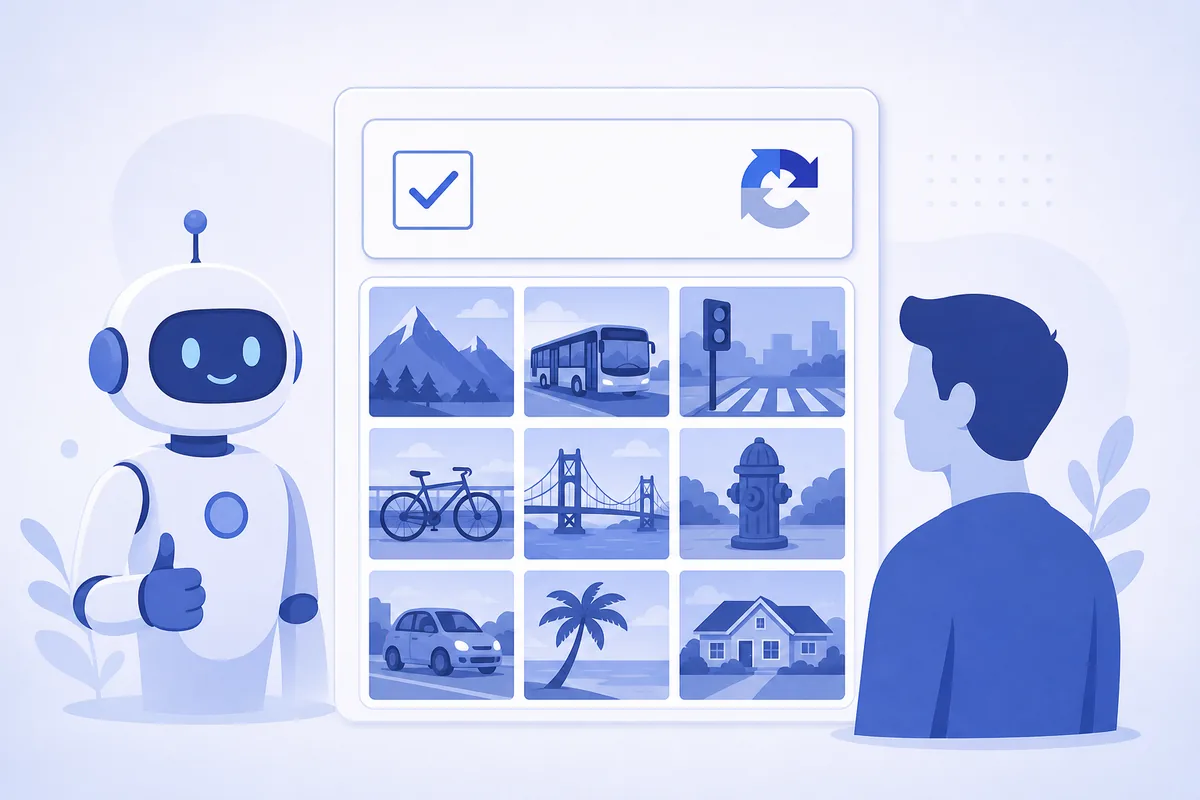
You’ve solved thousands of them without thinking: tick a box, find the buses, type the wavy letters. CAPTCHAs are the internet’s bouncer — quietly deciding whether the “user” filling in a form is a person or a script.
1. What a CAPTCHA is for
CAPTCHA stands for a test that’s easy for humans and hard for machines. Sites use it to stop automation at the front door:
- Fake account creation at scale.
- Credential stuffing — see account takeover.
- Spam, scraping, and form abuse.
- SMS pumping fraud, where bots trigger floods of costly verification texts.
2. The main types you’ll meet
| Type | What you do | Notes |
|---|---|---|
| Checkbox (“I’m not a robot”) | Tick one box | Reads behavior signals behind the scenes |
| Image grid | Select matching pictures | The classic fallback challenge |
| Text/distorted characters | Type warped letters/numbers | Older, less common now |
| Invisible / risk-based | Usually nothing | Scores the session silently |
Modern CAPTCHAs lean on behavioral and risk signals (how you move, your history, device) so most real users pass invisibly and only suspicious sessions get a challenge.
3. CAPTCHA vs verification code — different jobs
They’re easy to confuse because you meet both during signup:
- A CAPTCHA answers “is this a human or a bot?”
- A verification code answers “does this person control this phone/email?”
Passing a CAPTCHA doesn’t prove who you are; it just proves you’re probably human. The code is the identity step that follows.
4. Why CAPTCHAs sometimes fail you
CAPTCHAs balance security against friction, so real users occasionally get stuck: images won’t load, the challenge loops, or a VPN/ad-blocker raises your risk score. Because the same automation defenses power OTP bot and SMS pumping protection, aggressive privacy tools can look bot-like and trigger extra challenges. Usually a refresh, a different network, or disabling aggressive extensions clears it.
5. What this means when you receive codes
A CAPTCHA and an SMS code are two layers of the same signup wall: the CAPTCHA filters bots, then the code confirms the human owns the number. That’s why you often solve a puzzle and get a text. Whether the code arrives on a SIM or you receive it online, only enter it for a signup or login you just started — a CAPTCHA in front of it doesn’t make an unexpected code safe to share.
FAQ
Q: Why do I keep getting CAPTCHAs? Risk signals — a VPN, shared IP, ad-blocker, unusual speed, or lots of attempts — raise your score. Switching networks or reducing retries usually helps.
Q: Does solving a CAPTCHA mean I’m verified? No. It only suggests you’re human. Identity verification (like an SMS or email code) is a separate step.
Q: Can bots beat CAPTCHAs? Sophisticated bots and solver services can beat some challenges, which is why sites layer CAPTCHA with risk scoring and verification codes rather than relying on it alone.
Takeaway
A CAPTCHA is a human-vs-bot gate that blocks automated abuse at the door; it is not proof of who you are. Expect a CAPTCHA and then a verification code during signup — solve the puzzle, but still treat any code as a secret you only enter for a login you started.