 SimSmsBox
Registering Telegram always runs through phone verification. If your local number can’t receive the code, or you see “the code was sent to your other device”, you can finish verification with an overseas number that receives SMS. Follow the steps below — it takes a few minutes.
Why Telegram verification often gets stuck
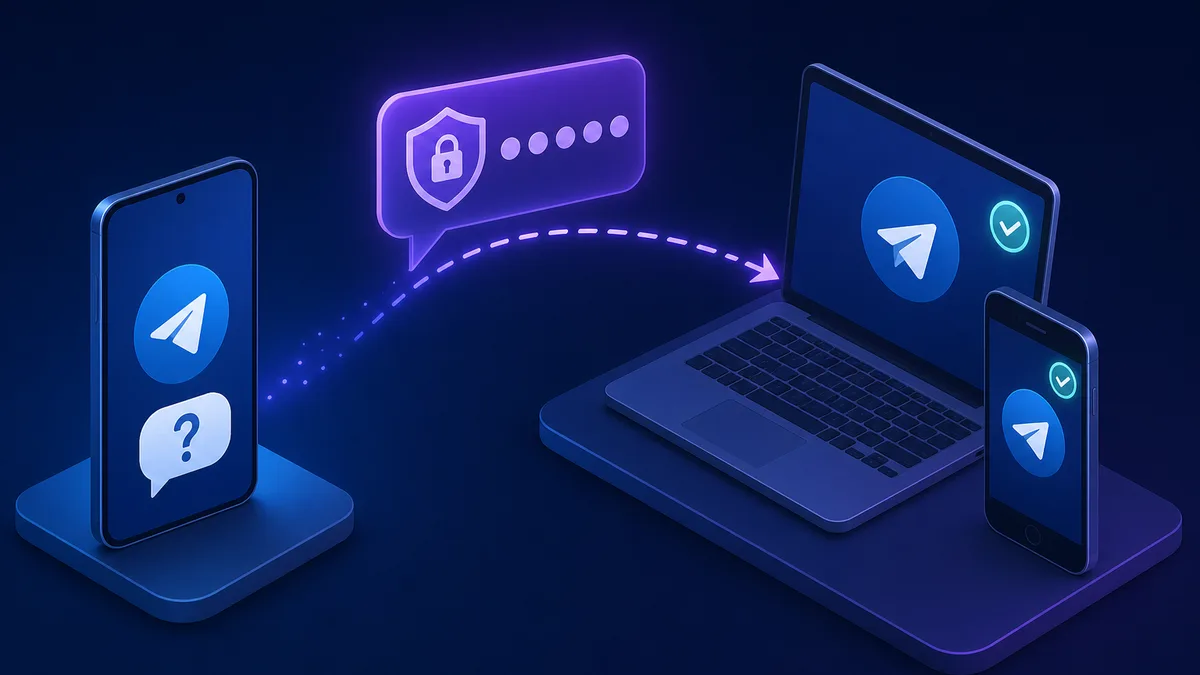
When you enter your number, Telegram first sends the login code to your “other logged-in devices”; a brand-new number has no other session, so after ten-odd seconds the “Send code via SMS” option appears. Getting stuck is usually one of these:
- Local number can’t receive international SMS: carrier blocking or roaming issues.
- Using a virtual number: Telegram is sensitive to VOIP ranges and often rejects them, or bans the account afterward.
- Number country doesn’t match your IP: triggers risk control, no code is sent.
- Waiting forever on “other device”: you never tapped “Send code via SMS”, so no SMS arrives.
Register Telegram with SimSmsBox
Step 1: Pick the right country
Keep the number’s country close to your network environment. A real SIM clears Telegram far more often than a virtual number — see Real SIM vs virtual numbers for why.
Step 2: Order a Telegram-capable number
Pass service as telegram and country as your target (e.g. US):
curl -X POST https://api.simsmsbox.com/api/sms/orders/purchase -H "X-API-Key: psk_xxx" -H "Content-Type: application/json" -d '{"service":"telegram","country":"US","cardKind":"physical","rentDays":30}'
# -> { "orderId": 19, "phone": "+1xxxxxxxxxx", ... }
Step 3: Enter the number and request the SMS code
On the Telegram signup page, enter this number. Let the “sent to other device” countdown finish, then tap “Send code via SMS”.
Step 4: Poll to retrieve the code
Query by order ID; the code is in the latestCode field:
curl https://api.simsmsbox.com/api/sms/orders/19 -H "X-API-Key: psk_xxx"
# -> { "status": "received", "latestCode": "12345" }
For cadence, see Automated ordering and polling — don’t hammer the query right after ordering.
Step 5: Enter the code to finish
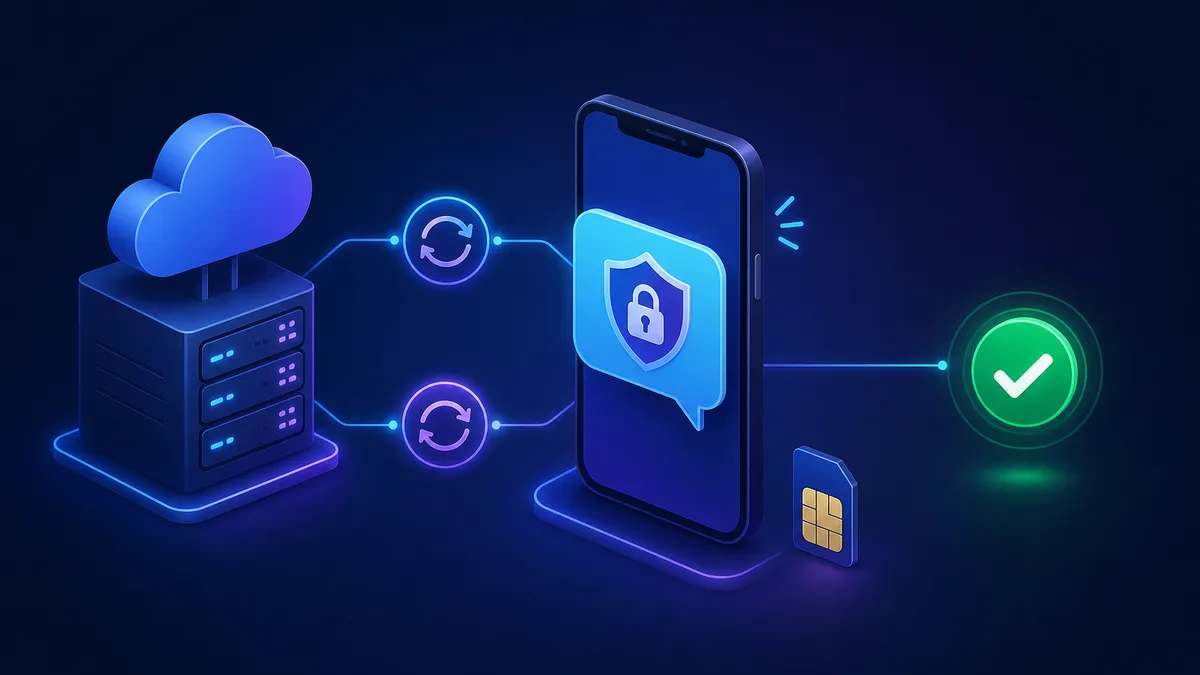
Put latestCode back into Telegram to finish signup. A real SIM can receive repeatedly within its validity window, so re-login or recovery can reuse the same number.
Common issues and fixes
| Symptom | Cause | Fix |
|---|---|---|
| Code sent to “other device” | A fresh number has no other session; countdown not finished | Wait out the countdown, then tap “Send code via SMS” |
| No SMS at all | Range risk-flagged / no upstream stock | Cancel and swap, see SMS code not arriving |
| ”Invalid number” | Country mismatch with IP/profile | Match the number’s country to your network |
| Banned two days after signup | Used a virtual number | Switch to a real SIM |
| You see a +888 number | That’s a Fragment anonymous number, not SMS receiving | For normal signup just use a regular-country real SIM |
Wrap-up
Telegram verification usually stalls because the code went to another device and you didn’t tap SMS, or the number isn’t clean. Pick a real SIM, align the country, wait out the countdown then go SMS, and poll patiently — you’ll clear it. Further reading: How to choose an SMS platform.