 SimSmsBox
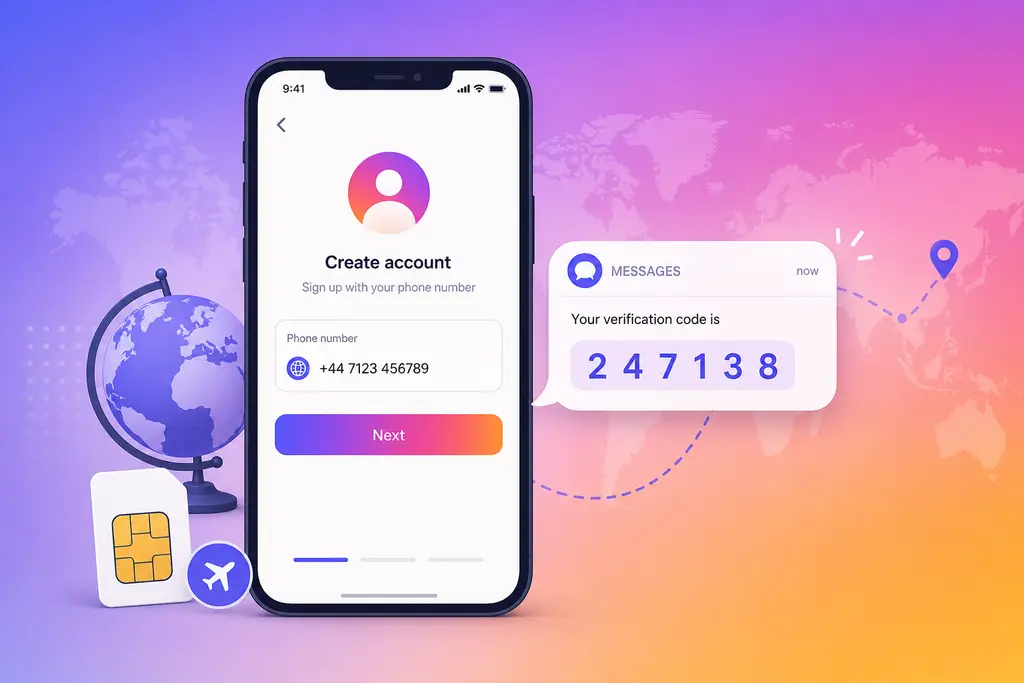
 Signing up for Instagram — or logging an old account in on a new phone — usually drags you through a phone verification step. If your local number never gets the code, or you’d rather register with an overseas number, you can use an overseas number that actually receives SMS to clear it. Follow the steps below and it takes a few minutes.
Why Instagram verification keeps getting stuck
Instagram lets you sign up with either an email or a phone number, but the moment it decides your signup environment looks risky, it forces an SMS code on top — switching phones, hopping between accounts, or using a dirty number range all trigger it. The usual sticking points are these:
- You used a virtual / VOIP number. Instagram is sensitive to those ranges: at best the code is refused, at worst the account gets banned within days of signup.
- The number has been registered too many times. You’ll see “this phone number has already been used to create the maximum number of accounts,” and it’s rejected outright.
- A local number can’t receive international SMS. Carrier blocking, roaming, or the number range itself means the code simply never sends.
- The number’s country is far from your IP. That trips the risk checks, so the code doesn’t arrive — or the account gets limited the second you log in.
- Too many requests in a short window. You’ll get “try again later,” which locks you out for ten-ish minutes up to a few hours.
In short: whether the code shows up depends far more on what kind of number you use than on how many times you tap “resend.”
Verify Instagram with a SimSmsBox number
The idea is simple: use an overseas number that receives real SMS to stand in for the local number that won’t get the code, or the virtual number that got rejected. New to SMS platforms? Skim how to use an SMS platform first.
Step 1: Pick the right country and card type
Keep the number’s country close to your network — don’t grab one half a world away from your IP. Real-SIM (physical) numbers clear Instagram far more often than virtual ones; here’s the difference between real-SIM and virtual numbers.
Step 2: Get a usable number
Pass service as instagram and country as your target code (e.g. US), preferring a physical card:
curl -X POST https://api.simsmsbox.com/api/sms/orders/purchase -H "X-API-Key: psk_xxx" -H "Content-Type: application/json" -d '{"service":"instagram","country":"US","cardKind":"physical","rentDays":30}'
# -> { "orderId": 63, "phone": "+1xxxxxxxxxx", ... }
Step 3: Enter the number and request the SMS code
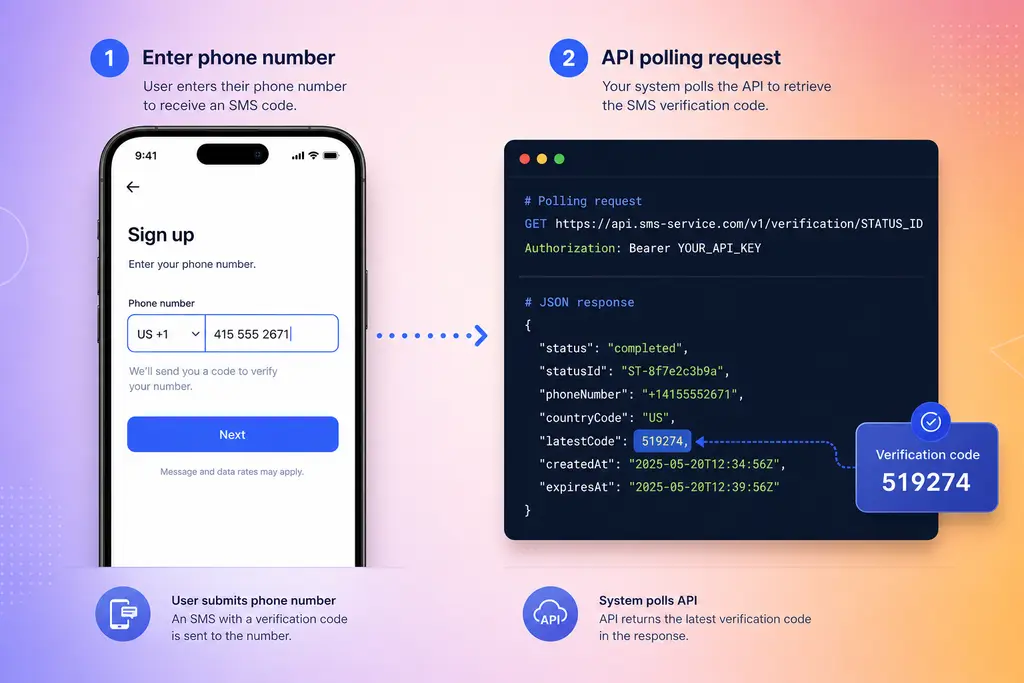
Type the overseas number into Instagram’s phone field and hit “send code.” Make sure it’s the SMS option — don’t wait for a voice call, since rented numbers don’t answer calls.
Step 4: Poll for the code
Query by order id; the code lands in the latestCode field:
curl https://api.simsmsbox.com/api/sms/orders/63 -H "X-API-Key: psk_xxx"
# -> { "status": "received", "latestCode": "519274" }
Check every few seconds after ordering — no need to hammer it. To script it, see the polling cadence in automated ordering and polling.
Step 5: Enter the code and finish
Put latestCode back into Instagram to complete verification. A physical number can receive codes again within its rental window, which is handy when you later log in on a new device or recover the account.
Choosing a number: country, card type, channel
| Factor | Recommendation | Why |
|---|---|---|
| Country | Close to your access IP | The closer the number’s country to your network, the less likely to trip risk checks |
| Card type | Prefer physical (real SIM) | Higher pass rate, lower ban risk |
| Channel | SMS only | Rented numbers don’t take voice calls — don’t pick “call me” |
| Timing | Grab the number at the phone step | Avoids burning the rental window on earlier steps |
Troubleshooting
| What you see | Cause | Fix |
|---|---|---|
| ”Number already used to create max accounts” | The number has been registered many times | Get a fresh number |
| No SMS ever arrives | Number range throttled / upstream out of stock | Cancel and swap numbers; see SMS code not received |
| ”Try again later” | Too many requests from the same number too fast | Wait ten-ish minutes, or just swap numbers |
| Banned within days of signup | Virtual / VOIP number | Switch to a real SIM, align country with IP |
| Code arrives but account limited | Signup-environment risk (frequent account switching, many accounts per device) | Unrelated to phone verification — use a clean network and device fingerprint |
A note on safety
A rented number is for receiving one-off codes, not for being your long-term primary number. For accounts tied to payment, real-name info or important data, weigh whether a disposable number is the right call before you use one.
Wrap-up
When Instagram stalls at phone verification, nine times out of ten the number is the problem — virtual, second-hand, or the wrong country. Pick a real SIM, keep the country close, use SMS only, and poll patiently for one code; you’ll usually pass on the first try. Further reading: how to choose an SMS platform.