 SimSmsBox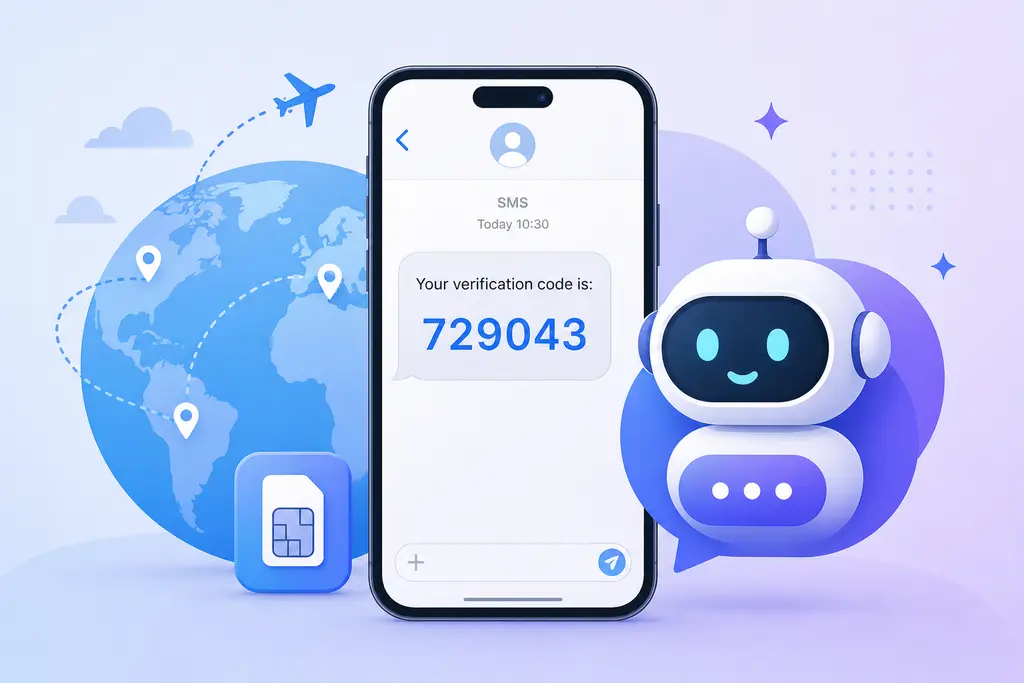
Creating a ChatGPT (OpenAI) account almost always ends with a phone verification step. If you enter a number and no code arrives, it’s usually not your connection — it’s the number. OpenAI is strict about virtual / VOIP numbers, and the code only comes by SMS, never by voice call. The reliable fix is to use a real-SIM overseas number that can actually receive text messages. Here’s the full run-through.
Why ChatGPT signup gets stuck at phone verification
OpenAI’s flow goes: sign up with email → verify email → enter name and birthday → verify phone number. Almost everyone clears the first steps and stalls on the last one, because OpenAI treats phone verification as its main anti-abuse gate and cares a lot about where the number comes from:
- It blocks large ranges of internet virtual numbers — Google Voice, TextNow and similar are basically hopeless.
- Each phone number can verify only a limited number of OpenAI accounts; a heavily reused public number will just be rejected.
- If the number’s country is far from your access IP and time zone, the request looks suspicious and the code may never be sent.
In short, whether the code shows up depends far more on what kind of number you use than on how many times you hit resend.
4 common reasons the ChatGPT code never arrives
- You used a virtual / VOIP number. This is the number-one cause. You’ll see “this number can’t be used for verification,” or nothing sends at all.
- The number’s country doesn’t match your IP. A number from one country while you’re on a network somewhere else trips the risk checks.
- The number has been verified to death. Second-hand or free public numbers have already been used many times and are out of quota.
- You’re waiting for a call. ChatGPT’s code comes by SMS; rented numbers don’t answer voice calls, so don’t sit waiting for a phone call.
For a full checklist on missing codes, walk through why your SMS code isn’t arriving.
Verify ChatGPT with a SimSmsBox number
The idea is simple: use an overseas number that receives real SMS to stand in for the local number that won’t get the code, or the virtual number that got rejected. New to SMS platforms? Skim how to use an SMS platform first.
Step 1: Finish the email step first
Sign up and verify your email on the OpenAI page, fill in name and birthday, and go all the way to the “verify phone number” screen before you grab a number. That way the number’s rental window isn’t wasted on the earlier steps.
Step 2: Pick the right country and card type
Keep the number’s country close to your network — don’t grab one half a world away from your IP. Real-SIM (physical) numbers clear OpenAI far more often than virtual ones; here’s the difference between real-SIM and virtual numbers.
Step 3: Get a usable number
Pass service as openai (some platforms write it as chatgpt) and country as your target code (e.g. US), preferring a physical card:
curl -X POST https://api.simsmsbox.com/api/sms/orders/purchase -H "X-API-Key: psk_xxx" -H "Content-Type: application/json" -d '{"service":"openai","country":"US","cardKind":"physical","rentDays":30}'
# -> { "orderId": 51, "phone": "+1xxxxxxxxxx", ... }
Step 4: Enter the number and request the SMS code
Type the number into ChatGPT’s phone field and hit “send code.” Make sure it’s the SMS option — don’t wait for a voice call.
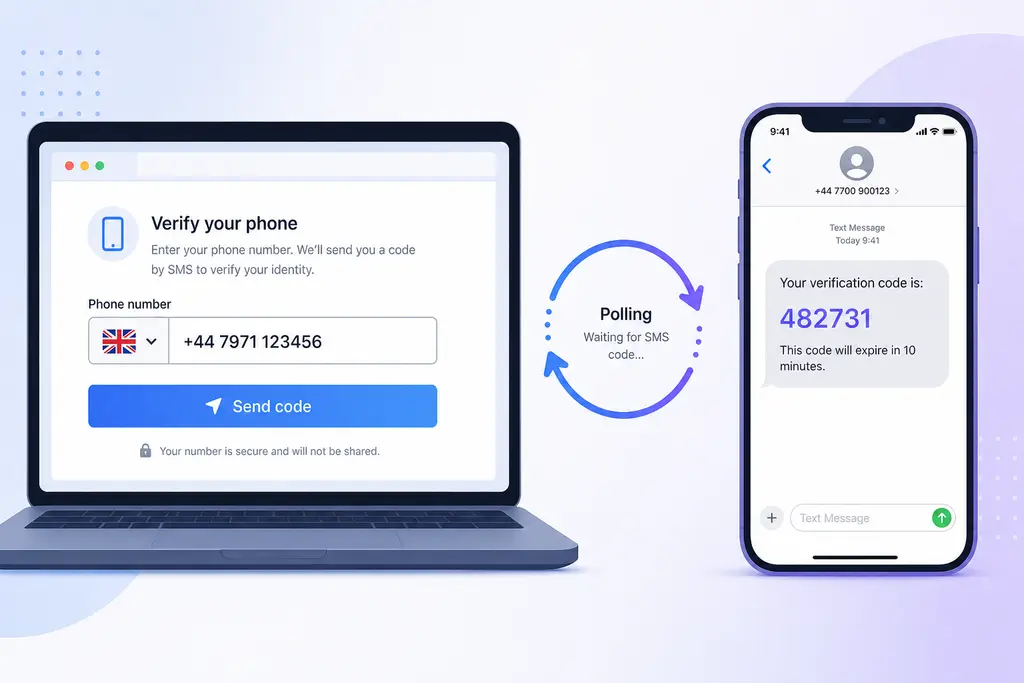
Step 5: Poll for the code
Query by order id; the code lands in the latestCode field:
curl https://api.simsmsbox.com/api/sms/orders/51 -H "X-API-Key: psk_xxx"
# -> { "status": "received", "latestCode": "729043" }
Check every few seconds after ordering — no need to hammer it. To script it, see the polling cadence in automated ordering and polling.
Step 6: Enter the code and finish
Put latestCode back into ChatGPT to complete verification. A physical number can receive codes again within its rental window, which is handy when you later log in on a new device or recover the account.
Choosing a number: country, card type, channel
| Factor | Recommendation | Why |
|---|---|---|
| Country | Close to your access IP | The closer the number’s country to your network, the less likely to trip risk checks |
| Card type | Prefer physical (real SIM) | Higher pass rate, lower ban risk |
| Channel | SMS only | Rented numbers don’t take voice calls — don’t pick “call me” |
| Timing | Grab the number at the phone step | Avoids burning the rental window on earlier steps |
Troubleshooting
| What you see | Cause | Fix |
|---|---|---|
| ”This number can’t be used for verification” | Virtual / VOIP number | Switch to a real SIM, align country with IP |
| No SMS ever arrives | Number range throttled / upstream out of stock | Cancel and swap numbers; see SMS code not received |
| ”Try again later” | Too many requests from the same number too fast | Wait ten-ish minutes, or just swap numbers |
| Number already in use | Already verified on other OpenAI accounts | Get a fresh number |
| Code arrives but account limited after login | Account-level risk (signup environment, payment) | Unrelated to phone verification — check the account environment |
A note on safety
A rented number is for receiving one-off codes, not for being your long-term primary number. For accounts tied to payment, real-name info or important data, weigh whether a disposable number is the right call before you use one.
Wrap-up
When ChatGPT signup stalls at phone verification, nine times out of ten the number is the problem — virtual, second-hand, or the wrong country. Pick a real SIM, keep the country close, use SMS only, and poll patiently for one code; you’ll usually pass on the first try. Further reading: how to choose an SMS platform.