 SimSmsBox
 Registering Lazada — or verifying it on a new device — runs through phone verification, and Lazada operates separate country storefronts (SG, MY, TH, PH, ID, VN). If your local number can’t receive the code, or you want to sign up on a specific country’s store, you can finish verification with a number that receives SMS in that country. Follow the steps below.
Why Lazada verification keeps getting stuck
- Number country doesn’t match the storefront: Lazada is country-split, so a mismatched country can block signup or checkout.
- Using a virtual / VOIP number: these are frequently rejected — prefer a real SIM, see Real SIM vs virtual numbers.
- Local number can’t receive the SMS: carrier filtering, roaming or range issues.
- Too many requests in a short time: you get a temporary lock — wait a bit or switch numbers.
Register Lazada with SimSmsBox
Step 1: Pick the right country
Match the number’s country to the storefront you’re joining (e.g. TH for Lazada Thailand, PH for the Philippines). A real SIM clears far more reliably than a virtual number.
Step 2: Order a Lazada-capable number
Pass service as lazada and country as your target, and prefer a real SIM:
curl -X POST https://api.simsmsbox.com/api/sms/orders/purchase -H "X-API-Key: psk_xxx" -H "Content-Type: application/json" -d '{"service":"lazada","country":"TH","cardKind":"physical","rentDays":30}'
# -> { "orderId": 41, "phone": "+66xxxxxxxxx", ... }
Step 3: Enter the number and request the code
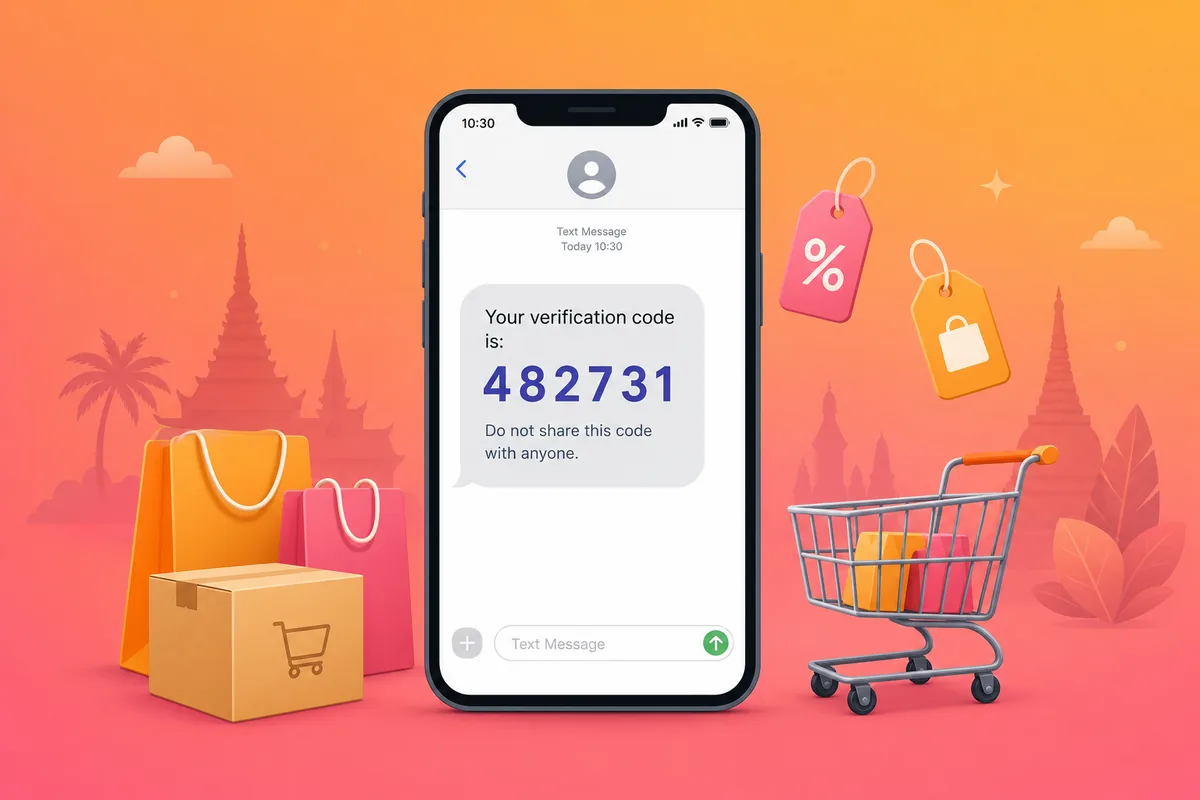
On the Lazada signup or login page, enter this number and tap send. Codes are usually a 4–6 digit SMS.
Step 4: Poll to retrieve the code
Query by order ID; the code is in the latestCode field:
curl https://api.simsmsbox.com/api/sms/orders/41 -H "X-API-Key: psk_xxx"
# -> { "status": "received", "latestCode": "482731" }
For cadence, see Automated ordering and polling — query every few seconds after ordering, don’t hammer it.
Step 5: Enter the code to finish
Put latestCode back into Lazada to finish. Keep the number within its validity window in case you need to re-verify on the same account.
Common issues and fixes
| Symptom | Cause | Fix |
|---|---|---|
| No SMS at all | Range risk-flagged / no upstream stock | Cancel and swap, see SMS code not arriving |
| ”Number can’t be used” | Virtual / VOIP number rejected | Switch to a real SIM |
| Country mismatch warning | Number country ≠ storefront | Order a number in the storefront’s country |
| ”Try again later” | Too many requests on the same number | Wait, or switch numbers |
Wrap-up
Lazada verification usually stalls because the number’s country doesn’t match the storefront, or it’s a virtual number. Pick a real SIM in the right country, request via SMS, and poll patiently. Further reading: How to choose an SMS platform.