 SimSmsBox
 Using an SMS platform to register Google usually fails on number type or dial formatting — not because “codes never work.” Prefer a real SIM, pick the Google/Gmail service on the platform, and enter the number correctly.
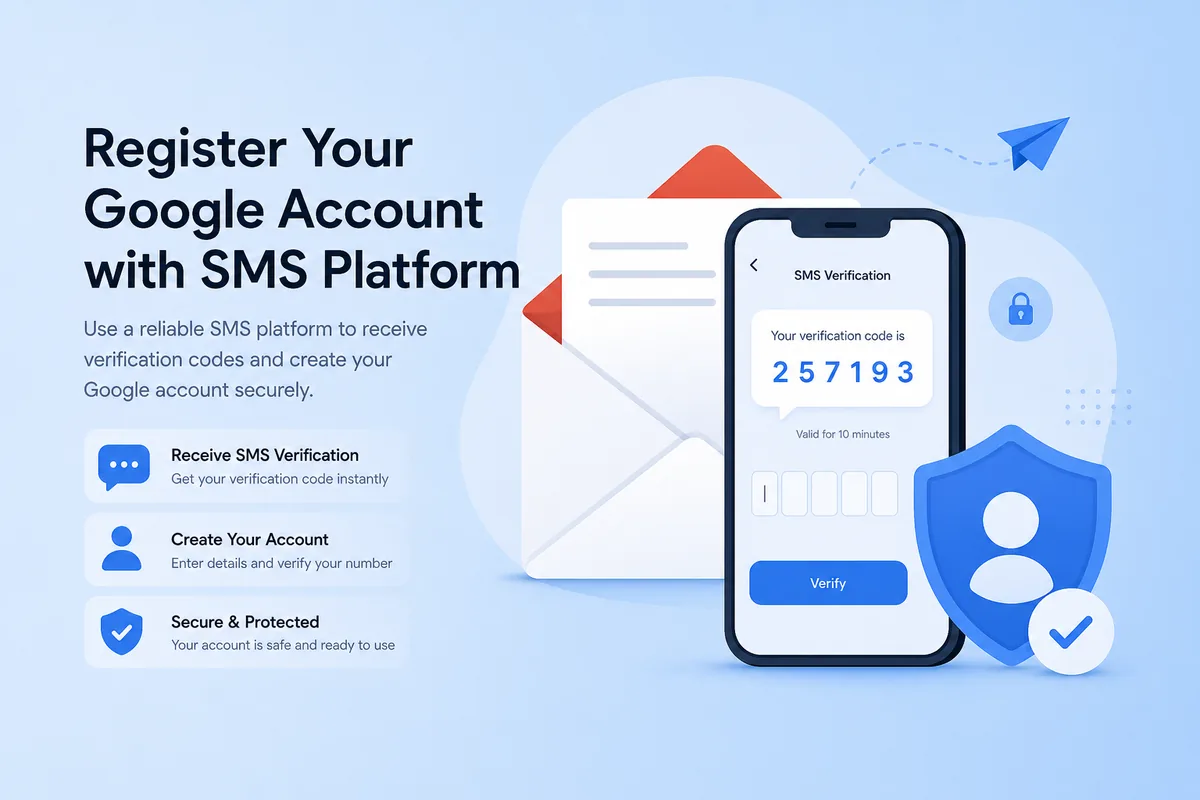
Before you start
- Balance on the platform; order the Google/Gmail service (name varies by provider).
- Prefer real SIM; align country with your network when possible.
- Plan recovery email / 2FA right after success.
Basics: How to use an SMS platform.
Recommended flow
- Order a Google-capable number and note the validity window.
- Open Google account signup → phone verification.
- Choose the correct country code; enter only national digits.
- Request SMS, read the OTP on the dashboard, submit.
- Bind recovery email; consider an authenticator app.
Common failures
| Symptom | Likely cause | Fix |
|---|---|---|
| Number can’t be used | Virtual / burned range | Switch to real SIM / new country |
| No SMS | Wrong service / timeout | Confirm service; swap |
| Too many attempts | Resend spam | Stop; order a fresh number |
| Number already used | Occupied line | New number |
Wrap-up
Google signup via SMS platform hinges on number quality + dial format + swapping instead of spam-resend. If codes stall: SMS code not arriving.